The Two Most Popular Open-Source Systems#
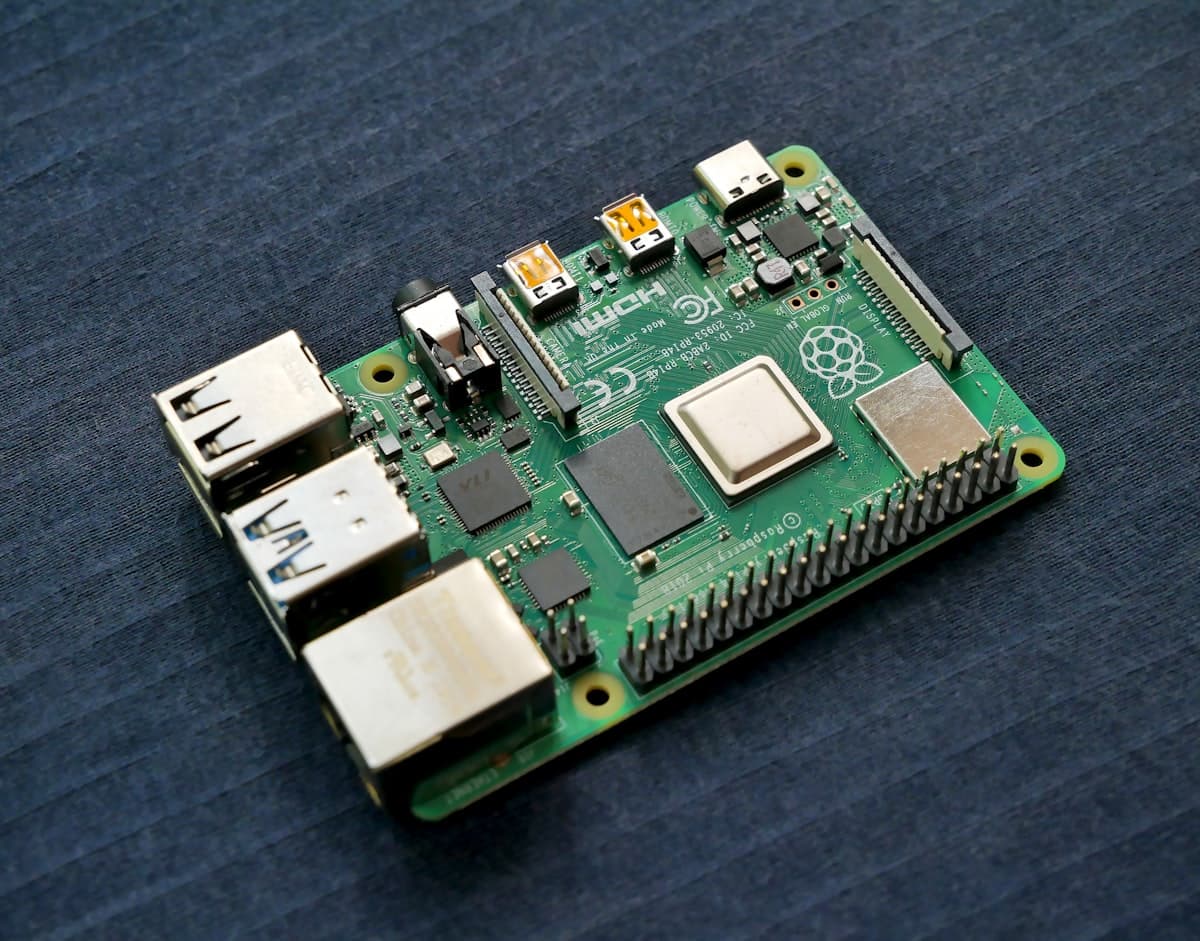
Domoticz and Home Assistant are the two most commonly chosen home automation systems. Both are free, open-source, and run on Raspberry Pi. But they differ in philosophy, interface, and ecosystem.
Here's a detailed comparison to help you decide.
Quick Comparison#
| Criteria | Domoticz | Home Assistant |
|---|---|---|
| Language | C++ | Python |
| Hardware requirements | Very low (~50 MB RAM) | Medium (~512 MB RAM) |
| Installation | Simple script | HAOS, Docker, or Core |
| Interface | Functional, older design | Modern, responsive |
| Integrations | ~200 | ~2500+ |
| Automations | Lua, Blockly, dzEvents | YAML, GUI, Node-RED |
| Mobile app | Browser | Dedicated (iOS/Android) |
| Community | Smaller, stable | Huge, very active |
| Updates | Less frequent, stable | Monthly |
Installation and Requirements#
Domoticz#
Domoticz is extremely lightweight. It runs on a Raspberry Pi Zero with 512 MB RAM. Installation is a single command:
curl -sSL install.domoticz.com | sudo bash
Ideal for older hardware and users who want minimal resource usage.
Home Assistant#
Home Assistant offers several installation methods:
- HAOS - dedicated operating system (easiest)
- Docker - container (flexible)
- Core - Python venv installation (advanced)
It requires more resources - minimum Raspberry Pi 3 with 1 GB RAM, recommended Pi 4 or mini PC.
User Interface#
Domoticz#
Domoticz's interface is functional but dated. It resembles panels from the early 2010s - tables, tabs, minimalist design. It's fast, but new users may miss a modern look.
Home Assistant#
Home Assistant has a modern dashboard with cards, charts, and widgets. The Lovelace system lets you build custom panels with drag-and-drop. It looks great on phones and tablets.
Winner: Home Assistant - a far more modern and customizable interface.
Integrations and Devices#
Domoticz#
Supports ~200 integrations: Z-Wave, Zigbee (via external gateways), 433 MHz, Wi-Fi. Works great with RFXtrx devices and simple sensors.
Home Assistant#
Over 2,500 integrations - from Zigbee and Z-Wave, through Spotify, IP cameras, Tesla, Google Home, to local APIs of many devices. New integrations appear weekly.
Winner: Home Assistant - a much larger ecosystem.
Automations#
Domoticz#
Automations in Domoticz are created through:
- Blockly - visual editor (simple)
- Lua scripts - programming scripts
- dzEvents - Lua framework with built-in helpers
The system is stable but requires more manual work.
Home Assistant#
- Visual editor - create automations in GUI
- YAML - full control in config files
- Node-RED - addon with graphical flow-based programming
- Blueprints - ready-made automation templates from the community
Winner: Home Assistant - more options, easier to get started.
Remote Access#
This is a key aspect - how to control your home when you're away.
Domoticz#
- MyDomoticz Cloud (limited)
- VPN or port forwarding
- No native HTTPS
Home Assistant#
- Nabu Casa (€7.50/month, HA only)
- VPN or port forwarding
- Built-in HTTPS via addon
SmartHomeEntry - A Universal Solution#
Whether you use Domoticz or Home Assistant, SmartHomeEntry gives you secure remote access via SSH tunnel:
- Works with both systems - and with any other HTTP service
- Zero open ports - outbound connection only
- HTTPS - automatic subdomain with certificate
- 1-minute setup - no router configuration
- Works with CGNAT - no static IP needed
curl -fsSL https://get.smarthomeentry.com | sudo bash -s -- --token YOUR_TOKEN
Which System Should You Choose?#
Choose Domoticz if:#
- You have old hardware (Pi Zero, Pi 1)
- You mainly use 433 MHz and RFXtrx devices
- You value stability and minimalism
- You enjoy writing Lua scripts
Choose Home Assistant if:#
- You want a modern interface and mobile app
- You need many integrations
- You prefer visual automations
- You want to leverage a huge community
Or use both!#
Some users run Domoticz for RF devices and Home Assistant as the main panel. SmartHomeEntry supports both systems simultaneously - each gets its own HTTPS subdomain.
Summary#
| Domoticz | Home Assistant | |
|---|---|---|
| Best for | Minimalists, old hardware | Most users |
| Learning curve | Medium | Medium-low |
| Remote access | SmartHomeEntry | SmartHomeEntry |
| Cost | Free | Free |
Regardless of your choice, SmartHomeEntry provides secure remote access in 60 seconds.