Stream Jellyfin from Anywhere - Without VPN
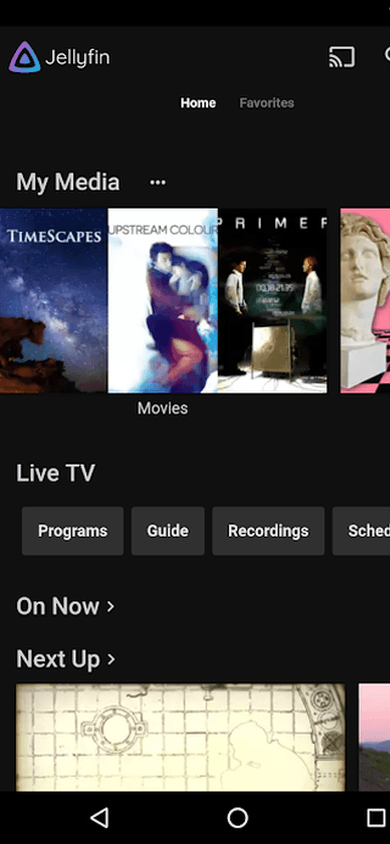
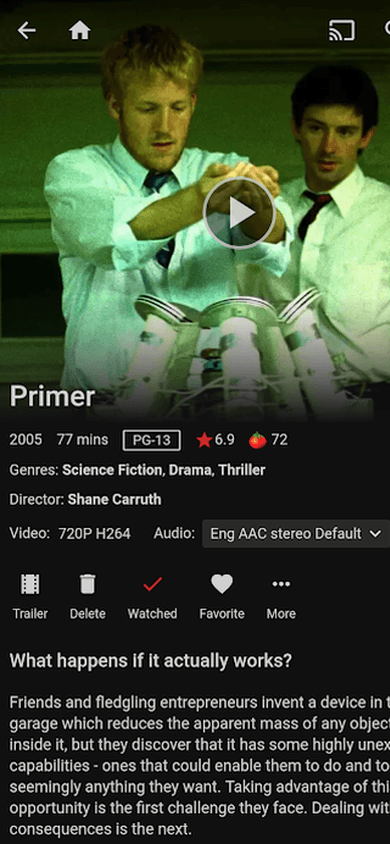
Watch movies and shows from your home Jellyfin server wherever you are. Secure SSH tunnel, HTTPS, zero open ports.
- Streaming via secure tunnel
- Zero open ports
- Watch from any device

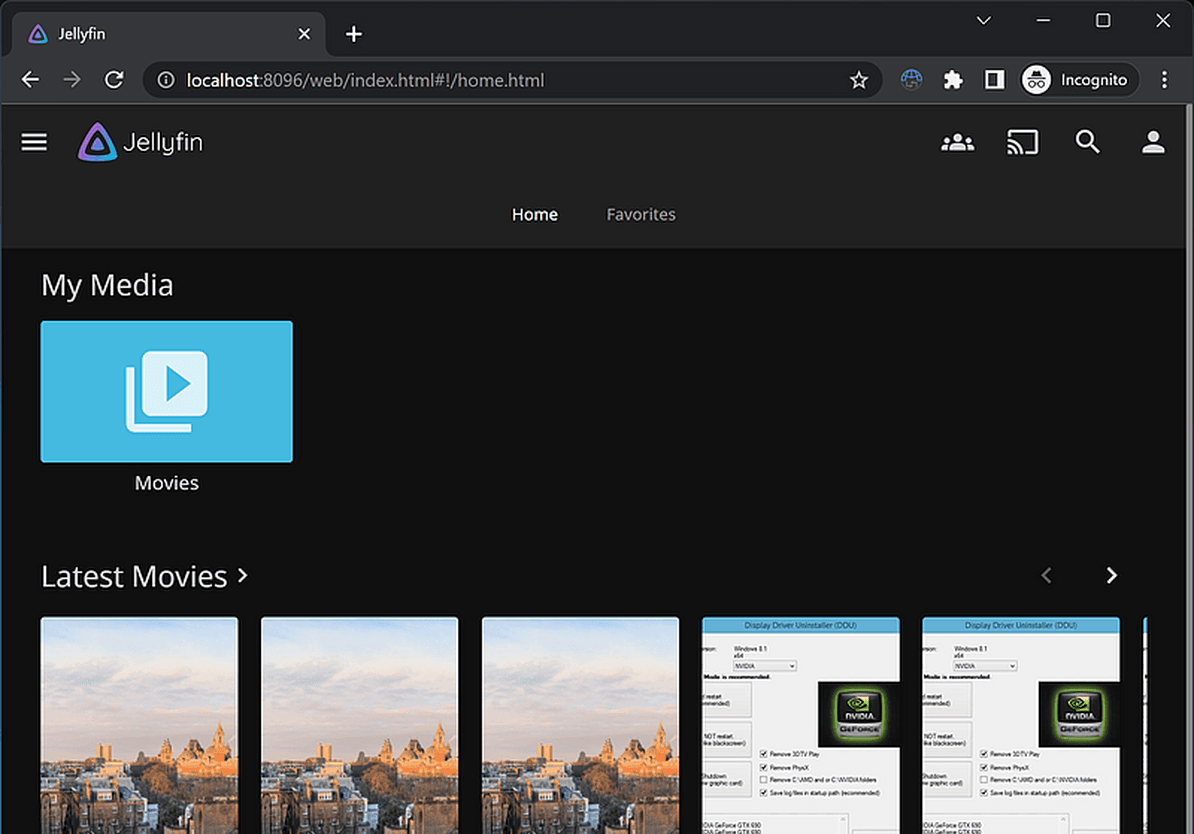
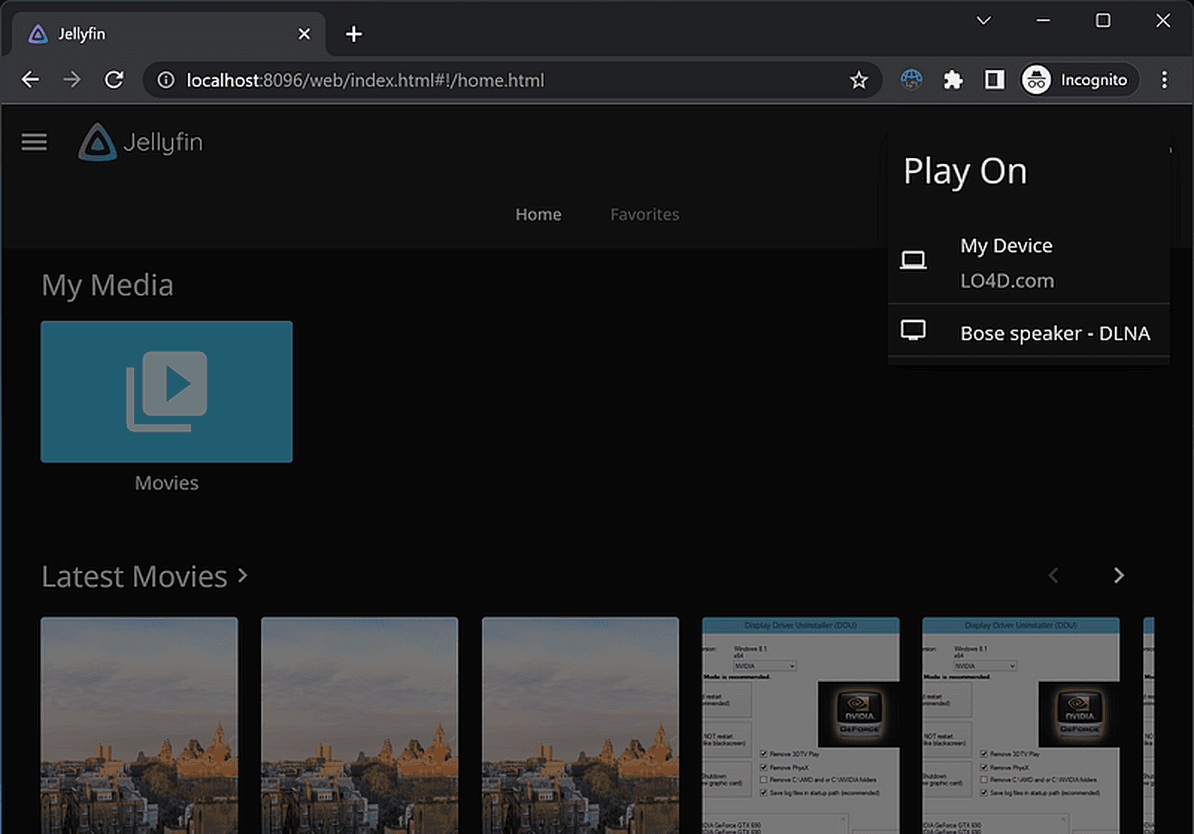
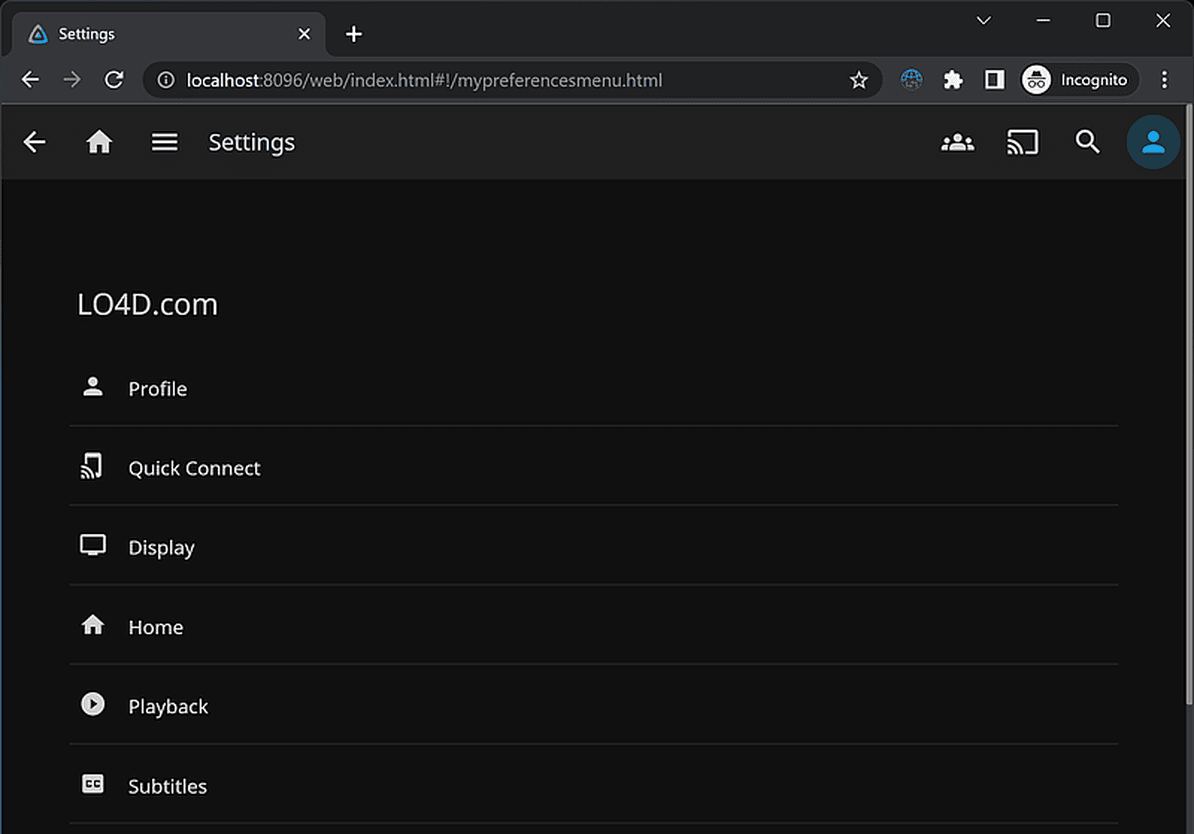
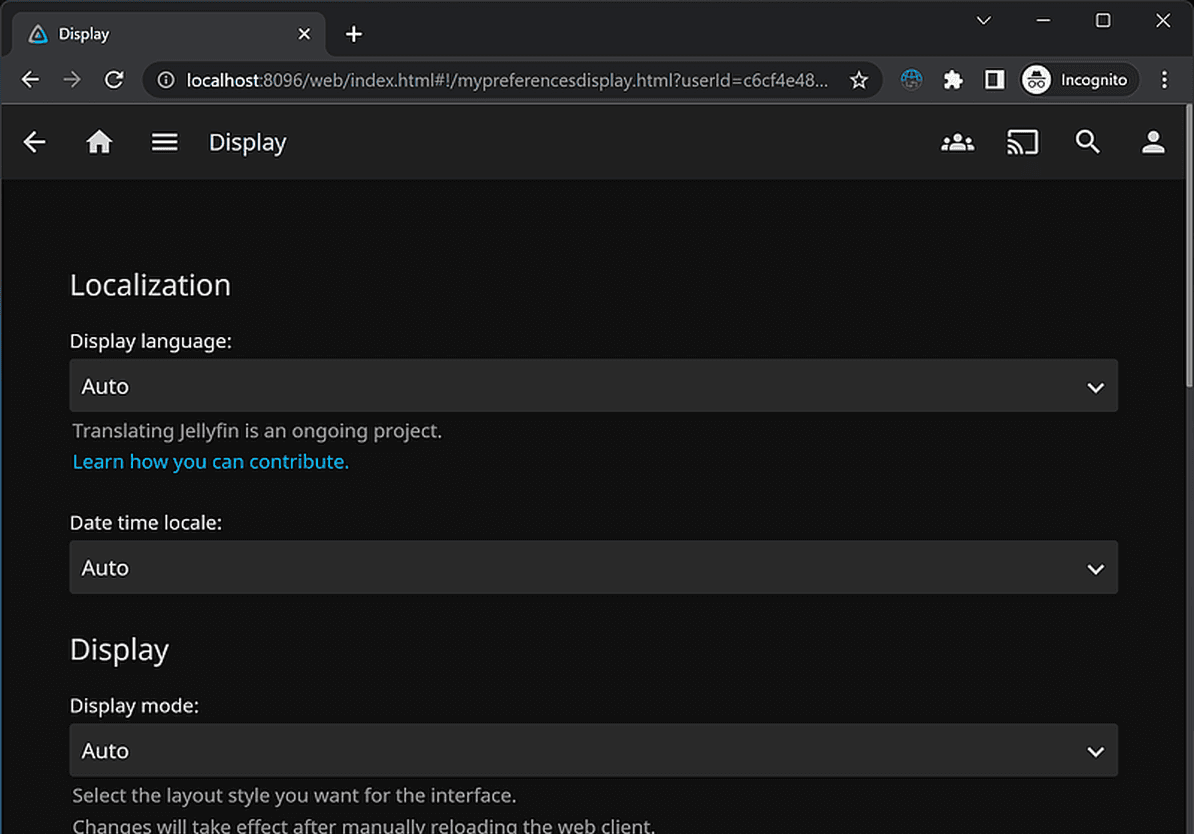
Why streaming Jellyfin outside your home is hard
Home media server saves money - but remote access is a challenge
Port forwarding is risky
Opening port 8096 on your router exposes your server to attacks. Any port scanner will find your Jellyfin within hours.
VPN degrades streaming quality
VPN adds latency and drains your phone battery. Not suitable for daily movie and music streaming.
CGNAT blocks connections
Many ISPs use CGNAT, making port forwarding and DDNS impossible. Without a public IP, you're stuck.
From zero to streaming in 3 steps
No networking knowledge required
Install the agent
One command on the Jellyfin server (Linux, Raspberry Pi) or a Docker container. The agent starts automatically - it takes about 2 minutes.
Get your HTTPS subdomain
Your Jellyfin gets a permanent subdomain with SSL certificate. Enter it in the Jellyfin app on your phone.
Stream from anywhere
Open the Jellyfin app - on your phone, tablet, smart TV. Your media library is always available.
Perfect for Jellyfin users
Stream from your home server without compromise
Works with Jellyfin apps
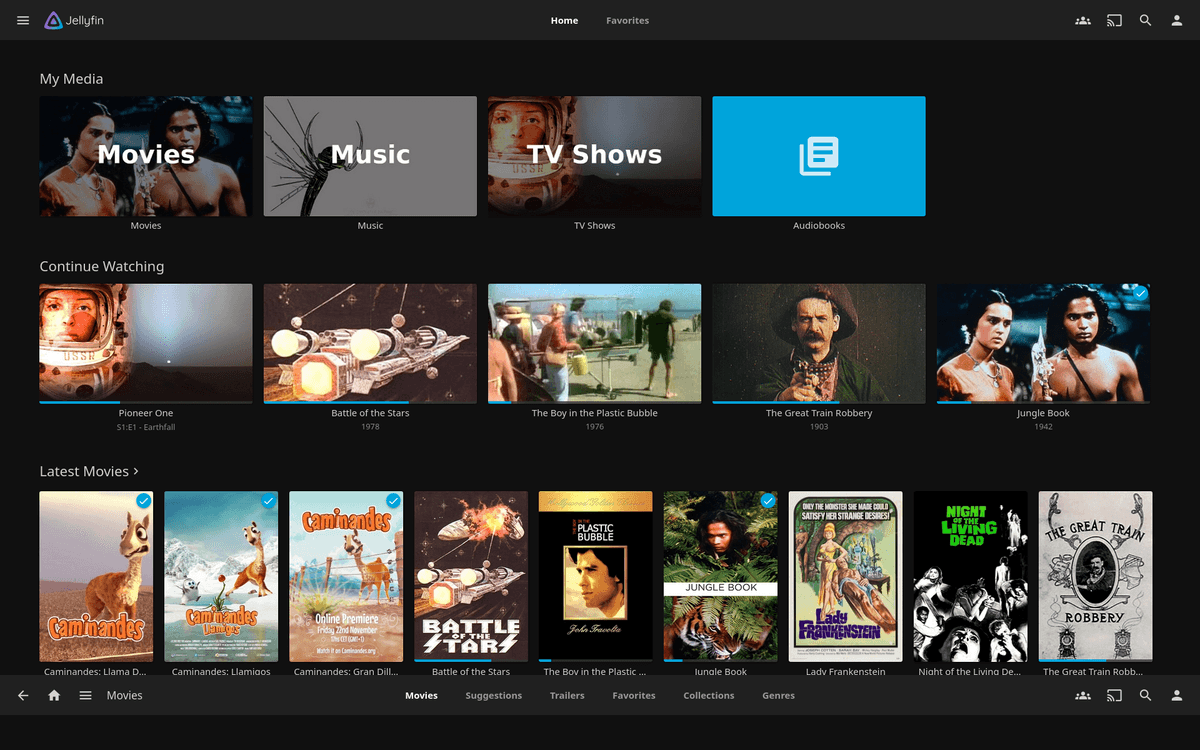
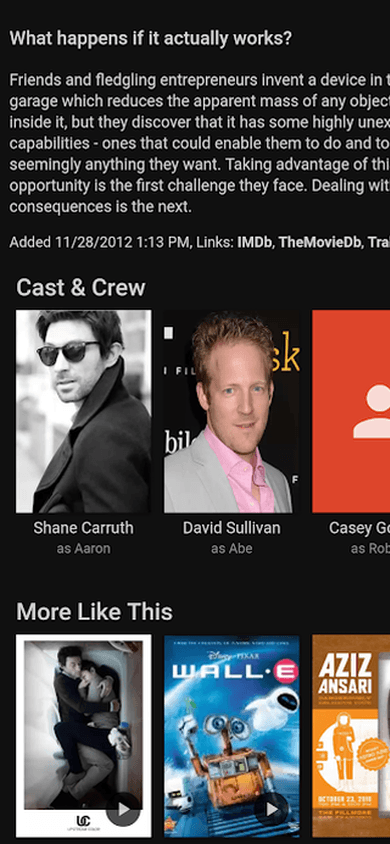
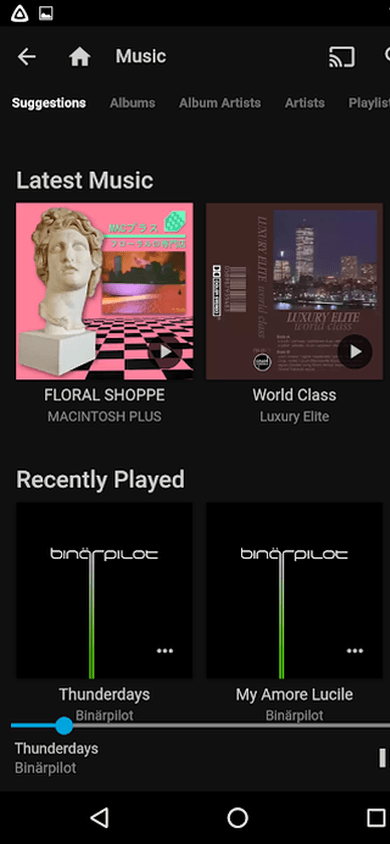
Android, iOS, Fire TV, Roku - just enter your subdomain as the server address.
Your own HTTPS subdomain
A permanent address with SSL certificate. Works with every Jellyfin client and browser.
Share your library with friends
Give friends access to your Jellyfin via subdomain - no VPN, no setup on their end.
No static IP or DDNS required
Works behind CGNAT, dynamic IPs, and restrictive ISPs. The agent makes only outbound connections.
Health monitoring & alerts
Know when your media server goes offline. Email notifications within minutes.
SmartHomeEntry vs. alternatives
See how we compare to traditional solutions
| SmartHomeEntry | Port forwarding | Tailscale | |
|---|---|---|---|
| Setup time | ~2 min | ~30 min | ~15 min |
| No router config | ✓ | ✗ | ✗ |
| Your own HTTPS subdomain | ✓ | ✗ | ✗ |
| One-command install | ✓ | ✗ | ✗ |
| Works without static IP | ✓ | ✗ | ✓ |
* Tailscale requires client installation on every device
Jellyfin remote access - frequently asked questions
Install the SmartHomeEntry agent with one curl command on your Jellyfin server. The agent opens a reverse SSH tunnel to our relay and registers a permanent HTTPS subdomain. You enter it in the Jellyfin app on your phone/TV/laptop - streaming from your home library works from anywhere, no VPN, no port forwarding.
Yes - all official Jellyfin apps (Android, iOS, Android TV, FireTV, Kodi plugin, Samsung Tizen) accept the full server URL. You enter your HTTPS subdomain (e.g. yourhome-3a1f9c8b2e4d.smarthomeentry.com) instead of a local IP. 4K streaming, direct play, and transcoding all work normally, limited only by your home upload bandwidth.
Plex Remote Access requires a plex.tv account and proxies through their servers (privacy and bandwidth limits of their choosing). Jellyfin is fully self-hosted - no official equivalent exists, users rely on port forwarding or VPN. SmartHomeEntry gives you a permanent HTTPS subdomain = same convenience as Plex, but fully under your control, no third-party account.
Depends on quality: 1080p direct play = 8-15 Mbps upload, 4K HDR = 30-60 Mbps upload from your home. Our relay doesn't throttle - the bottleneck is always your home upload. For 4K we recommend symmetric fiber. For 1080p most VDSL 100/10 lines are enough.

Stream Jellyfin from anywhere with one command
Get started now. No router configuration needed.
Same tunnel, any web service
One agent exposes everything on your network - pick another integration below.
Related articles
In-depth guides and case studies for this integration