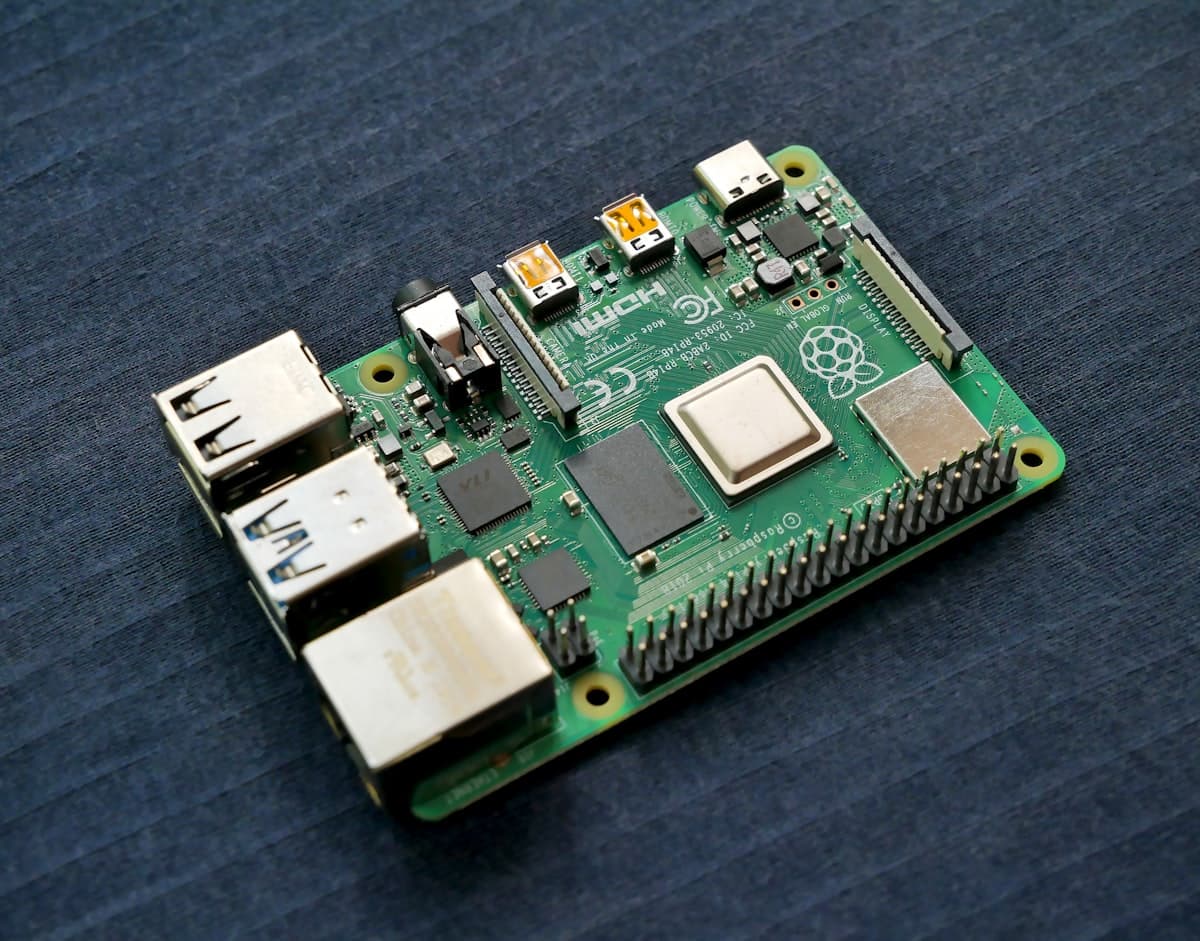
Raspberry Pi - The Cheapest Smart Home Hub#
Raspberry Pi is the perfect mini-computer for running Domoticz. It costs around $50, uses 3-5W of power, and fits in your hand. Combined with Domoticz, you get a fully-featured home automation hub.
Requirements#
- Raspberry Pi 3B+, 4 or 5 (min. 1 GB RAM, recommended 2 GB)
- microSD card 16 GB+ (A2 class recommended)
- 5V/3A power supply
- Z-Wave or Zigbee adapter (optional)
- Ethernet cable or Wi-Fi configuration
Step 1: Install Raspberry Pi OS#
Download Raspberry Pi Imager and flash Raspberry Pi OS Lite (64-bit).
In advanced settings:
- Enable SSH
- Set username and password
- Configure Wi-Fi (optional)
Step 2: First Boot#
Insert the SD card and power on. Connect via SSH:
ssh [email protected]
Update the system:
sudo apt update && sudo apt upgrade -y
Step 3: Install Domoticz#
curl -sSfL https://install.domoticz.com | sudo bash
Step 4: Verify Installation#
Open browser: http://RASPBERRY-ADDRESS:8080
Check service: sudo systemctl status domoticz
Step 5: Remote Access#
Instead of opening router ports, use SmartHomeEntry:
curl -fsSL https://get.smarthomeentry.com | bash -s -- YOUR_TOKEN
Your Domoticz is now accessible via secure HTTPS - from your phone, office, or vacation.
Summary#
Raspberry Pi + Domoticz is the cheapest way to run a Smart Home system. Add SmartHomeEntry for secure remote access without any network configuration.