


Remote access to Home Assistant. No VPN. No port forwarding. No static IP.
HTTPS to Home Assistant, Domoticz, NAS or Grafana from your phone, tablet or office. The Home plan covers 1 service (e.g. only Home Assistant); Pro and Business cover several services or client sites.
- EU-hosted (OVH Warsaw)
- Open-source agent
- SSH-2 encryption
- Setup with one command
Pick your path
Same tunnels - completely different dashboard, pricing and workflow depending on what you manage.
For my home
Open your Home Assistant from your phone, tablet or from work. No VPN app on your family's phones, no port forwarding, no static IP.
- Simple setup
- Access from anywhere
- No VPN, no public IP
- Secure and reliable
From $7/mo for 1 service • Cancel anytime


For installers
Manage clients and installations from one place. Save time and boost efficiency.
- Panel for multiple clients
- Remote access and monitoring
- Email and webhook alerts, availability reports
- Faster ticket resolution
From $24/mo for 5 services • No commitment
Compatible with popular systems
Simpler than you think.
$ curl -sSL smarthomeentry.com/api/install/<token> | sudo bash
Downloading SmartHomeEntry Agent...
Installing dependencies...
Configuring systemd service...
Connecting to relay...
✓ Agent installed successfully
The command downloads an open-source agent and runs the installer. Source code available on GitHub.
From one command to a working address
Thirty seconds: the problem, one command on your home server, and the address that opens in a browser. Animated from the real install command - no stock footage.
How does SmartHomeEntry work?
A secure SSH tunnel connects your home server to the user through our relay server - without opening any ports.
An open-source agent opens an outbound SSH tunnel to our relay. You get a permanent HTTPS subdomain. Zero open ports, no static IP, works behind CGNAT.
Home Server
Home Assistant, Linux
AgentRelay server
SSH + HTTPS
Secure tunnelUser
Any browser
HTTPSZero open ports
No port forwarding on your router.
No VPN
No VPN app on your devices. Less network configuration.
Encrypted transport (TLS + SSH)
HTTPS with a trusted certificate to our relay (via Cloudflare), then an SSH tunnel to your server. HTTPS ends at Cloudflare and at the relay - details on the Security page.
Facts, not opinions.
We're a young project, so we won't pretend to have 10,000 customers. Instead of made-up testimonials - things you can verify yourself.
Agent is open-source
Full Agent source on GitHub. Audit what you install on your server - no need to take our word for it.
Public repository
Data + infra in the EU
Dashboard and relay at OVH Warsaw, database in the EU (Frankfurt). Traffic to the subdomains passes through Cloudflare (USA, Standard Contractual Clauses), which protects them from attacks. DPA for businesses.
See DPA →SSH-2Industry-grade encryption
SSH-2 + Ed25519 - the same standard as GitHub, AWS, Linux kernel. Relay ports bind to 127.0.0.1 only.
See architecture →Fair priceTransparent pricing
No contracts, no cancellation fees. Payments via Stripe: the subscription by card, one-time payments (day passes, prepaid periods) by card.
Zero open ports
Works behind CG-NAT and mobile internet.
No VPN
No VPN installed on devices.
Encrypted SSH-2 tunnel
Agent-relay tunnel encrypted with SSH-2 (Ed25519).
Open agent code
We believe in transparency and auditability.
Simple pricing. No hidden costs.
From a single home to dozens of client installations. Cancel anytime.
Home
For one home: 1 service, e.g. only Home Assistant.
- ✓1 service (e.g. only Home Assistant)
- ✓Permanent HTTPS subdomain
- ✓Email alert when the agent stops reporting
Pro
Several services at home or a handful of clients.
- ✓Up to 5 services (e.g. HA + NAS + Grafana)
- ✓Email and webhook alerts, including back-online notices
- ✓CPU/RAM monitoring and health score
Business
For installer companies.
- ✓Up to 20 services
- ✓Availability report PDF (last 30 days)
- ✓REST API (read-only) and priority support
Cancel anytime · no contracts · secure card payment via Stripe
The panel you actually get
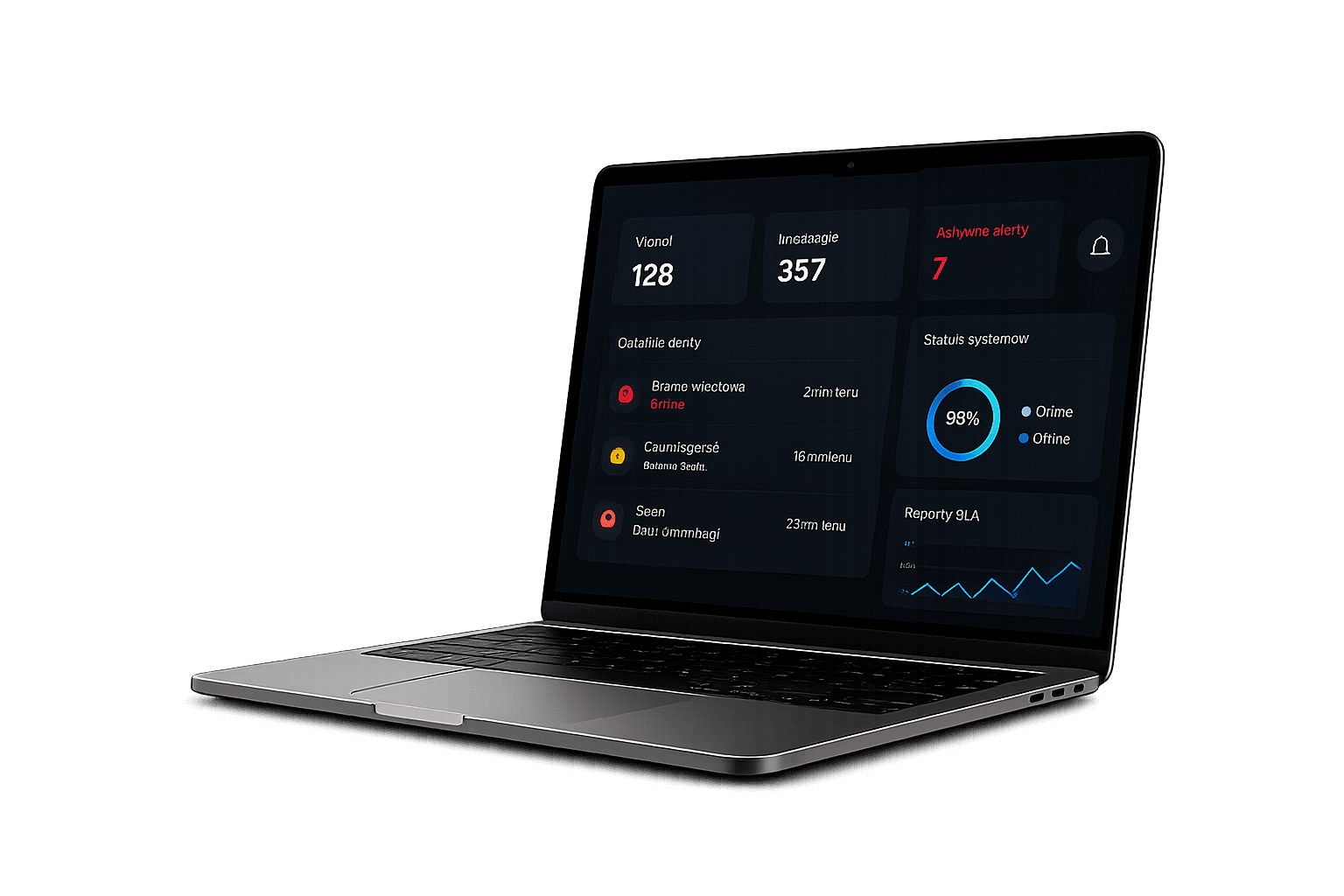
Half a minute through the management panel: the status of every installation, offline alerts and a 7-day availability map. Recorded in the demo panel with sample data.
How does SmartHomeEntry compare?
See how we stack up against traditional solutions
| SmartHomeEntry | VPN | Nabu Casa | Tailscale | Cloudflare Tunnel | |
|---|---|---|---|---|---|
| Setup time | ~2 min | 1-4h | ~5 min | ~10 min | ~15 min |
| No router config | |||||
| Your own HTTPS subdomain | |||||
| Multi-client management | |||||
| One-command install | |||||
| Works without static IP | |||||
| Any service (HA, Domoticz, Grafana…) | |||||
| Price from | $7 / month (1 service) | free (hours of setup) | $6.50 / month | free for up to 6 users | free (7-domain limit) |
* Nabu Casa (Home Assistant Cloud) works only with Home Assistant. Tailscale needs a VPN app on family devices. Cloudflare Tunnel needs your own domain in Cloudflare and has no multi-client panel. The SmartHomeEntry price is the Home plan (1 service).
Frequently asked questions
Getting started
No. The agent connects to our server by itself (an outbound connection), the same way your browser connects to a website. No port forwarding, no static IP. It also works on mobile internet and with providers that don't give you a public IP address (so-called CG-NAT).
Yes, it is the most common use. It also works with Domoticz, openHAB, Nextcloud, Jellyfin, Grafana, Node-RED and any other service with a browser panel. Each service gets its own address: the Home plan covers one (e.g. only Home Assistant), the Pro plan up to five. We expose the web panel of the service, not access to the operating system.
After purchase you pick your system in the dashboard and get ready-made instructions: on Home Assistant OS you install our add-on and paste a token, on a Raspberry Pi or other Linux you paste one command, in Docker you start one container. It takes about 2 minutes. The agent is open-source, the code is on GitHub. Every method is described at smarthomeentry.com/en/install.
Security
The connection from the browser is encrypted (HTTPS), and from our relay to your server it runs through an SSH-2 tunnel with Ed25519 keys separate for every service. HTTPS ends at Cloudflare and at our relay - traffic is decrypted there, but we don't store its content, only tunnel metadata (heartbeats, agent IP, connection times). The dashboard and relay are in the EU (OVH Warsaw). Your service's address is public, so protect the service with a strong password and 2FA.
Yes. The subscription is billed monthly and you cancel it from the account panel. No contracts, no termination fees. After cancelling, access works until the end of the paid period.
Pricing
Plans start at $7/month for 1 service with no long-term commitment - cancel in your account panel. For a short trip, one-time access from $5 for 7 days is enough. The demo (/demo) shows what the dashboard looks like using sample data - no signup. Installers: we are happy to walk you through the product in a short call - write to us via the contact form.
Two things: (1) it works with any service that has a web panel (Domoticz, Nextcloud, NAS, Grafana, Jellyfin), not just Home Assistant - each service is a separate address, so HA plus other services means the Pro plan. (2) Installers get a multi-client panel: status and alerts in one place, plus availability report PDFs on Business. If you only use HA in one home and want Alexa or Google Assistant, Nabu Casa is a good choice.
Not yet. SmartHomeEntry is currently run by an individual in Poland (EU) who is not VAT-registered, so we cannot issue VAT invoices yet. Every payment comes with a Stripe receipt in your account (Invoices, /invoices), which is enough for expense claims in most companies. If your company strictly needs a VAT invoice, email [email protected] before paying. Company registration is in progress.

Ready for remote access without the hassle?
Pick your path: a single home or many clients. Setup with one command.