

Access Domoticz from Anywhere - Without VPN
Secure remote access to your Domoticz via SSH tunnel. No VPN, no port forwarding, no static IP. Setup with one command.
- Secure HTTPS tunnel
- Zero router configuration
- Control your home from anywhere
Why remote access to Domoticz is so hard
Domoticz on Raspberry Pi is great - but external access is a challenge
Port forwarding exposes your server
Opening port 8080 on your router exposes Domoticz to attacks. By default Domoticz has no HTTPS, increasing the risk.
VPN is inconvenient on mobile
WireGuard or OpenVPN drain battery, don't reconnect on network changes, and complicate quick sensor checks.
CGNAT blocks incoming connections
Many ISPs use CGNAT, making port forwarding and DDNS impossible. Without a public IP, you have no options.
From zero to remote access in 3 steps
No networking knowledge required
Install the agent
One command on the Domoticz server (Linux, Raspberry Pi) or a Docker container. The agent starts automatically - it takes about 2 minutes.
Get your HTTPS subdomain
Your Domoticz gets a permanent subdomain (e.g., smith-3a1f9c8b2e4d.smarthomeentry.com) with automatic SSL certificate.
Control from anywhere
Open the subdomain in your browser - phone, tablet, laptop. Your Domoticz panel is always within reach.
Perfect for Domoticz users
Everything you need for secure remote access
Works with any Domoticz setup
Raspberry Pi, Docker, Linux, Windows - SmartHomeEntry works with any Domoticz installation method.
Your own HTTPS subdomain
A permanent address with SSL certificate that doesn't change after a restart. Domoticz has no HTTPS by default - we provide it.
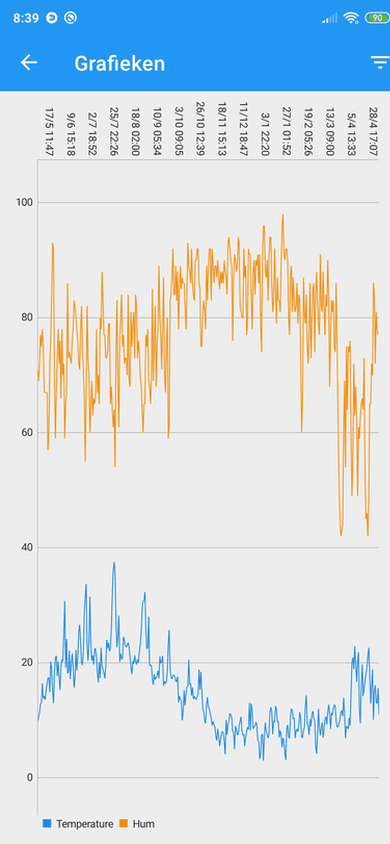
Full panel with charts
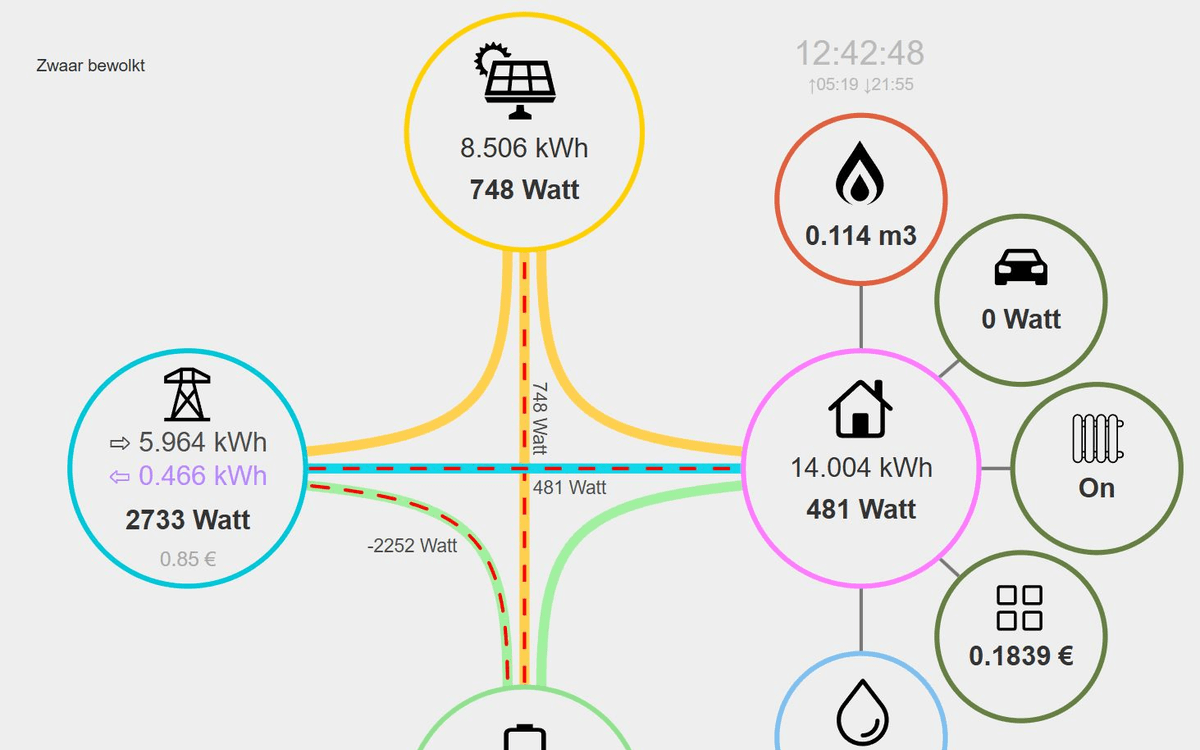
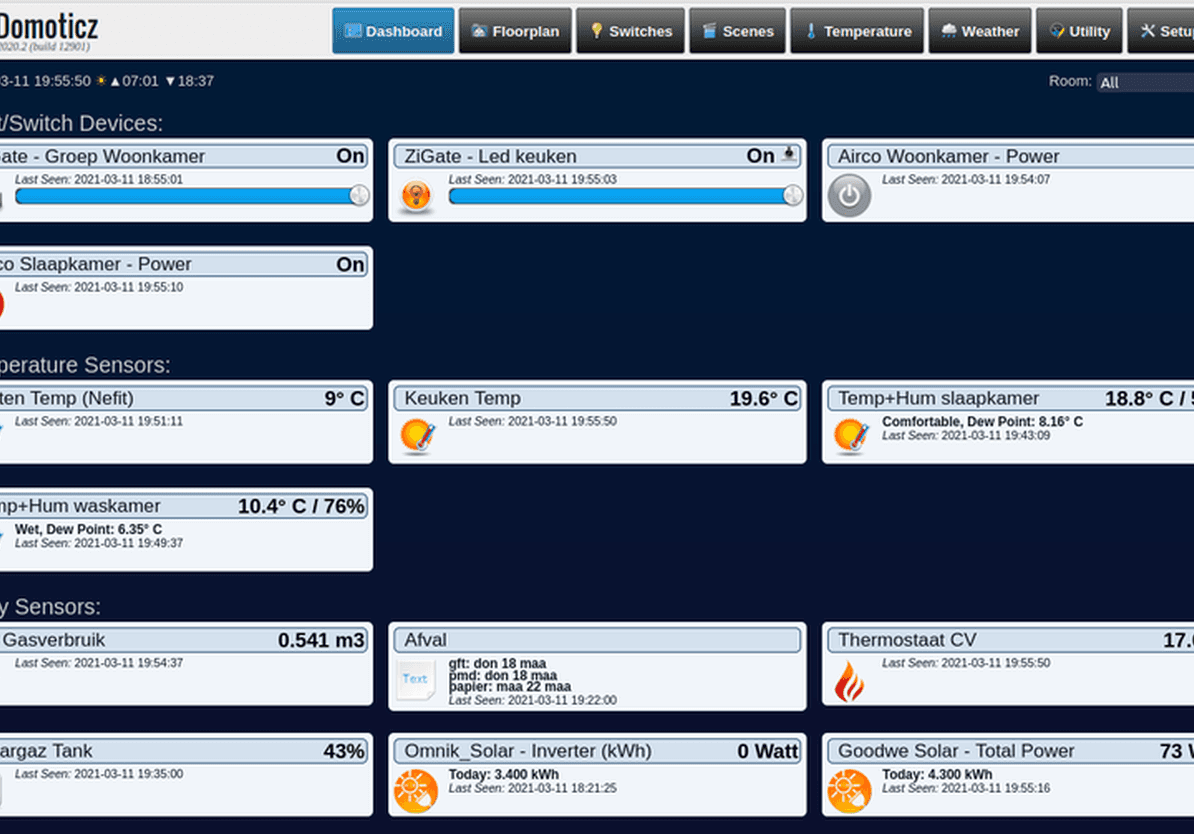
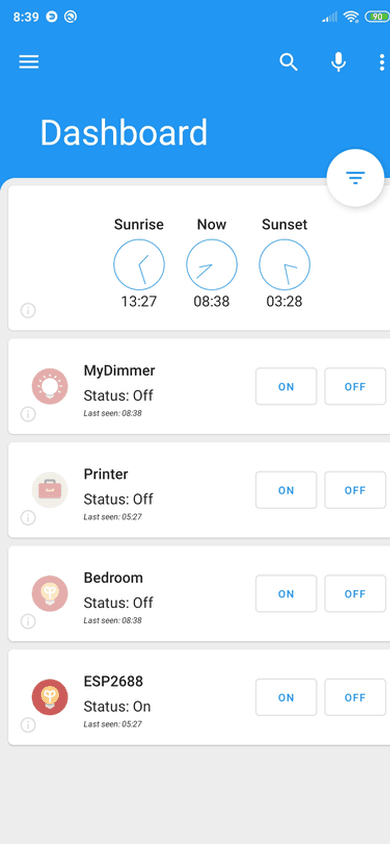
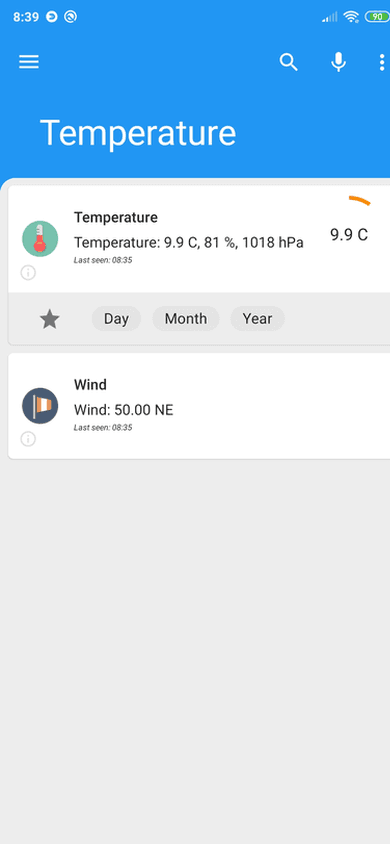
Domoticz dashboard with event logs, charts, and device controls - accessible from any browser.
No static IP or DDNS required
Works behind CGNAT, dynamic IPs, and restrictive ISPs. The agent makes only outbound connections.
Health monitoring & alerts
You know when Domoticz stops responding: an email alert after 15 minutes of silence on every plan, shorter thresholds and webhooks from the Pro plan.
SmartHomeEntry vs. alternatives
See how we compare to traditional solutions
| SmartHomeEntry | Port forwarding | Tailscale | |
|---|---|---|---|
| Setup time | ~2 min | ~30 min | ~15 min |
| No router config | ✓ | ✗ | ✗ |
| Your own HTTPS subdomain | ✓ | ✗ | ✗ |
| One-command install | ✓ | ✗ | ✗ |
| Works without static IP | ✓ | ✗ | ✓ |
* Tailscale requires installing a client on every device
Domoticz remote access - frequently asked questions
Install the SmartHomeEntry agent with one curl command on your Domoticz server (Raspberry Pi, Docker, Linux). The agent opens a reverse SSH tunnel to our relay and registers a permanent HTTPS subdomain (e.g. yourhome-3a1f9c8b2e4d.smarthomeentry.com). Zero router configuration, zero VPN.
No. Domoticz has no official cloud offering. The standard options are port forwarding (risky) or VPN (inconvenient). SmartHomeEntry is the closest equivalent of Nabu Casa for Domoticz: permanent HTTPS subdomain, secure tunnel, setup with one command.
Yes. By default Domoticz serves its panel over plain HTTP on port 8080, unencrypted. SmartHomeEntry adds HTTPS with an automatic Let's Encrypt certificate, and from our relay to your Domoticz traffic runs through an encrypted SSH tunnel. Your browser shows the padlock. HTTPS ends at Cloudflare and at the relay - details on the Security page.
Yes. In the Domoticz app you enter your subdomain (e.g. yourhome-3a1f9c8b2e4d.smarthomeentry.com) instead of a local IP. Works the same as at home, but from anywhere - no VPN, no mobile network configuration needed.

Get remote access to Domoticz with one command
Get started now. No router configuration needed.
Same tunnel, any web service
One agent exposes everything on your network - pick another integration below.
Related articles
In-depth guides and case studies for this integration

Domoticz on Raspberry Pi - Installation and Setup From Scratch
How to install Domoticz on Raspberry Pi? Step-by-step guide: preparing the SD card, installing the system, and configuring home automation.
Read more
How to Install Domoticz on Synology NAS - Step by Step Guide
Install Domoticz on your Synology NAS using Docker. Complete guide: from pulling the image to configuring your first home automation setup.
Read more
Remote Access to Domoticz - Without VPN or Open Ports
How to securely access Domoticz from anywhere. SSH tunnel instead of VPN and port forwarding - setup in 60 seconds.
Read more