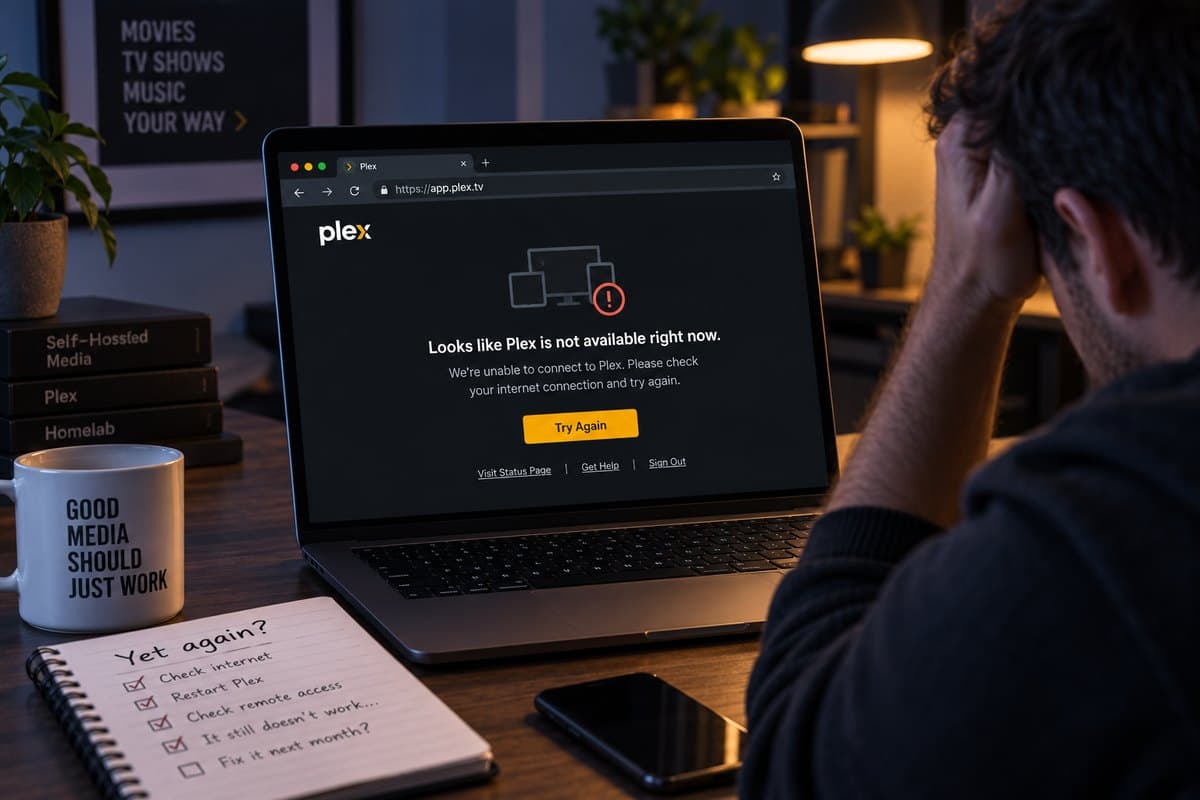
Plex Remote Access That Stops Breaking
No open ports, no UPnP leases expiring, no 2 Mbps Relay cap. Works behind CG-NAT, where port forwarding cannot work at all.
- Outbound connection, nothing forwarded
- Zero open ports
- Works behind CG-NAT
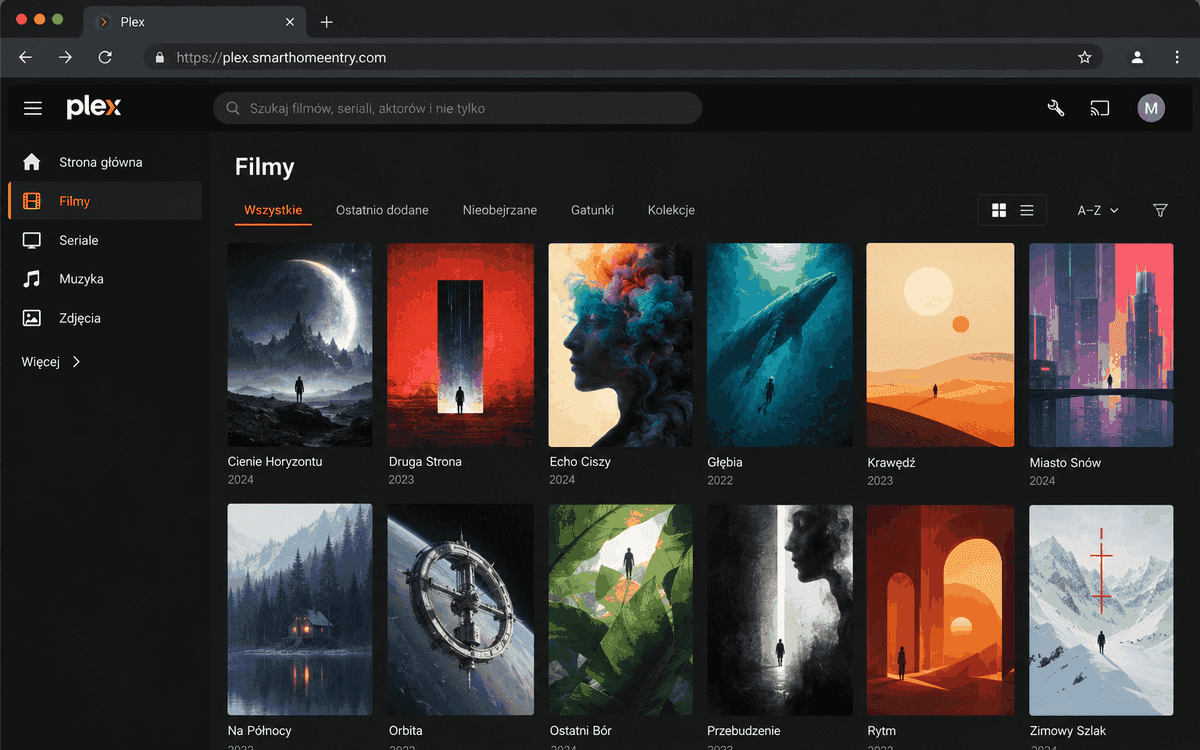
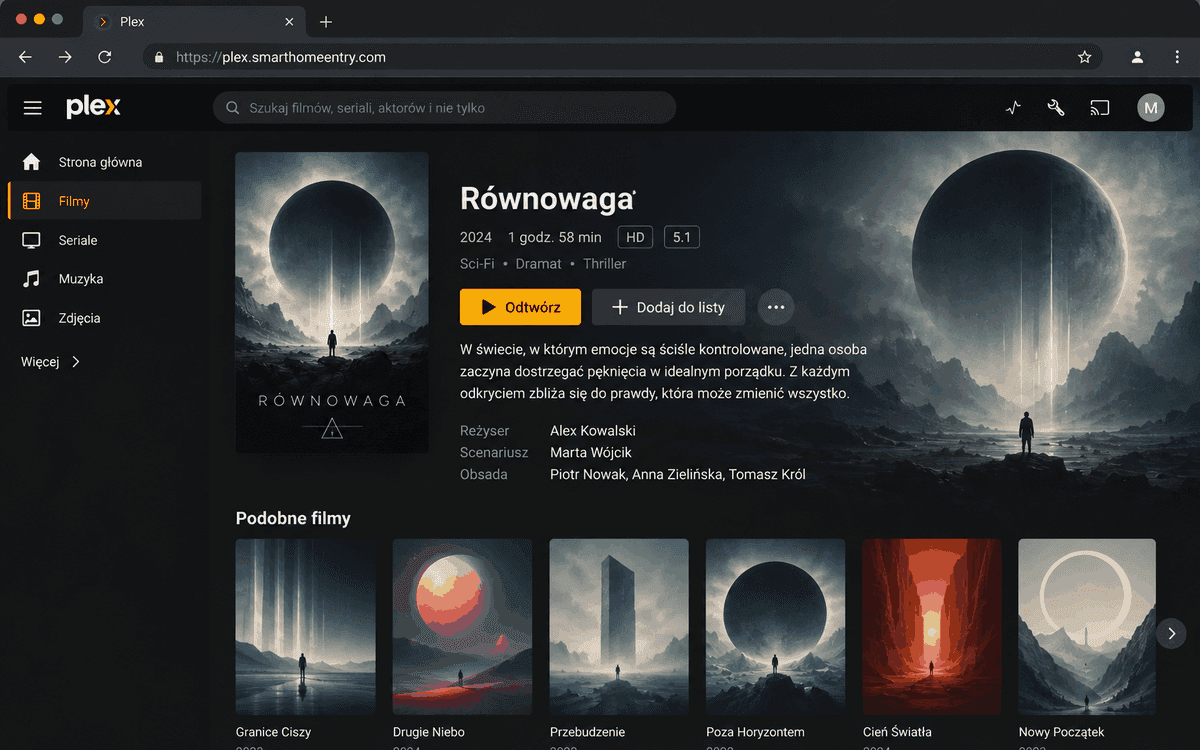
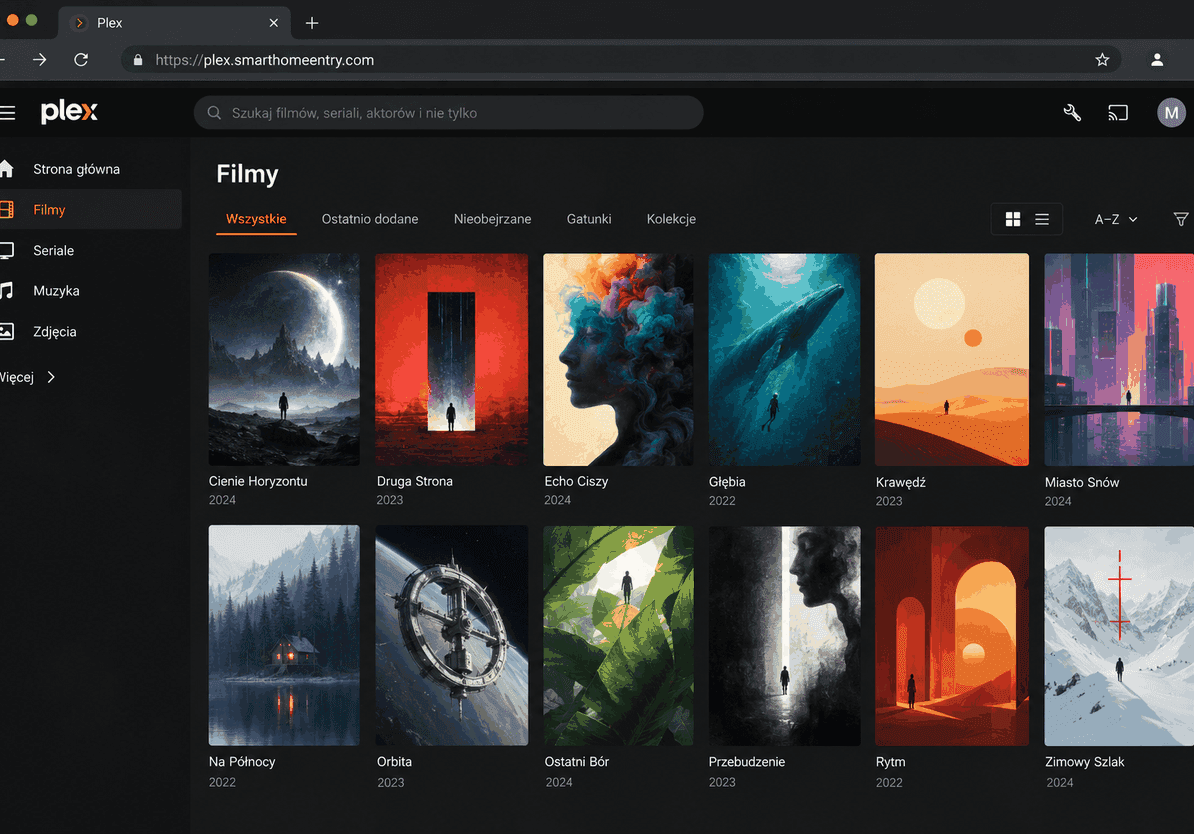
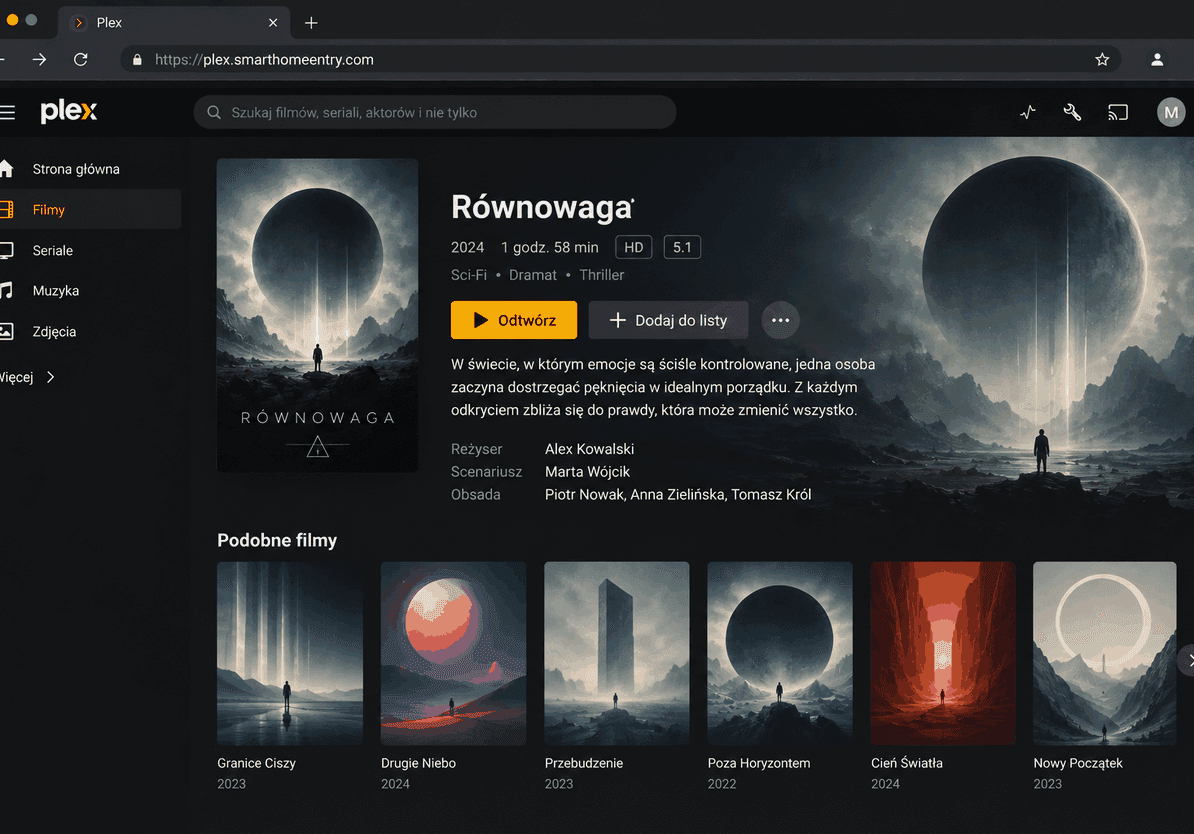
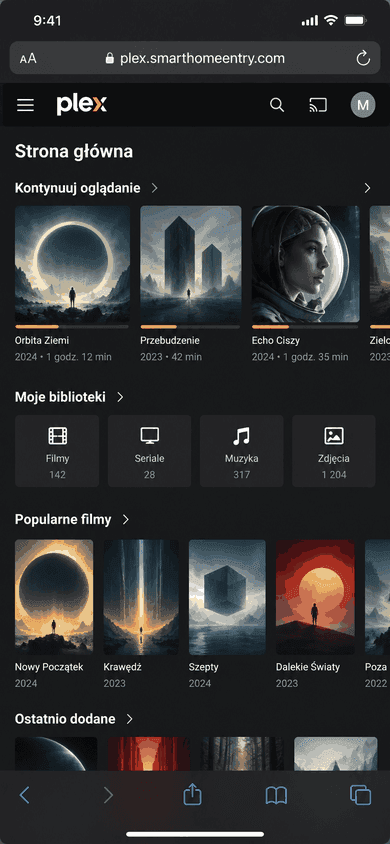
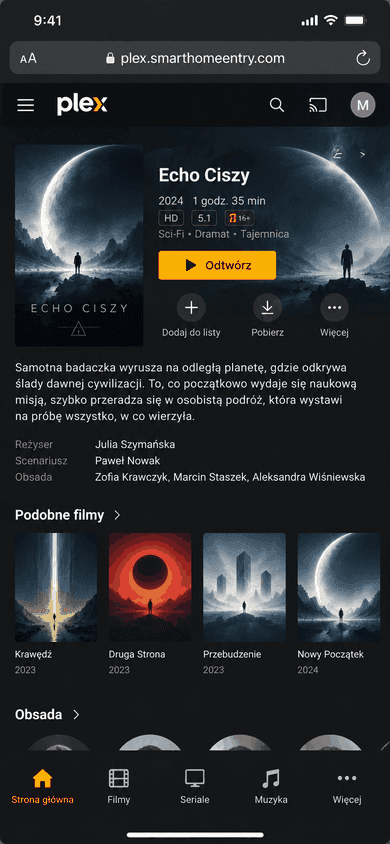
Why Plex Remote Access keeps going red
The indicator reports a fact about your network, and that fact keeps changing.
UPnP leases expire
Plex opens your port automatically over UPnP, but those mappings are leases, not settings. A router reboot or firmware update drops them. You click Retry, it goes green, and two weeks later it is red again.
Plex Relay caps you at 2 Mbps
When a direct connection fails, Plex quietly falls back to Relay - limited to 2 Mbps per stream, Plex Pass included. That is roughly 480p. Your library does not stop working, it just looks broken.
CG-NAT makes it permanent
If your ISP put you behind Carrier Grade NAT, port 32400 cannot be opened at all. No router setting changes that. Providers migrate customers onto CG-NAT without notice, which is why setups fail after years of working.
From zero to streaming in 3 steps
No router configuration, no networking knowledge
Install the agent
One command on the machine running Plex. The agent opens an outbound connection to our relay - the same direction as any website you visit, so no firewall or ISP restriction blocks it.
Add your address in Plex
Paste your new HTTPS subdomain into Settings, Network, Custom server access URLs. Plex publishes it to plex.tv so apps can find your server. This field exists precisely for setups like this one.
Watch at full quality
Your stream travels directly through the tunnel instead of the Plex Relay, so the 2 Mbps cap no longer applies. The limit becomes your home upload speed, as it should be.
Built for the way Plex actually fails
Each of these removes one of the four reasons Remote Access breaks
Nothing to forward, nothing to expire
The connection is made from inside your network outwards. There is no port mapping to lose when the router reboots, and no UPnP lease to renew.
No Relay bandwidth cap
Traffic goes through your tunnel, not through Plex Relay, so streams are not limited to 2 Mbps. What you get is bounded by your own upload speed.
Works behind CG-NAT
Mobile internet, 5G home broadband and a growing share of fibre no longer give customers a public address. Outbound tunnels do not care.
Nothing to install for viewers
Family and friends open a normal HTTPS address. No client app, no VPN account, no invitation to configure anything on their TV.
Keeps working when your address changes
Dynamic IPs and ISP changes stop mattering. The agent re-establishes the connection itself, so there is no stale address published to plex.tv.
SmartHomeEntry vs. alternatives
How the options compare for Plex specifically
| SmartHomeEntry | Port forwarding | Plex Relay | |
|---|---|---|---|
| Setup time | ~2 min | ~30 min | instant |
| No router config | ✓ | ✗ | ✗ |
| Your own HTTPS subdomain | ✓ | ✗ | ✗ |
| One-command install | ✓ | ✗ | ✗ |
| Works without static IP | ✓ | ✗ | ✓ |
* Plex Relay needs no setup at all, but caps every stream at 2 Mbps
Plex remote access - frequently asked questions
Because it depends on something unstable: an open port on your router, usually created over UPnP. Router reboots, firmware updates and ISP address changes all quietly undo it. If your provider moved you behind CG-NAT, no port can be opened at all and the indicator will never stay green. A reverse tunnel removes that dependency instead of arguing with it.
When a direct connection cannot be established, Plex routes your stream through its own servers - and those streams are capped at 2 Mbps, including for Plex Pass subscribers. That is roughly 480p, while a 1080p film needs 8 to 10 Mbps. It is why remote playback often works but buffers constantly. With a tunnel your traffic does not pass through Relay, so the cap does not apply.
Plex supports this officially: Settings, Network, Custom server access URLs is a field made for reverse proxies and unusual network setups, and Plex publishes the address to plex.tv for app discovery. The browser app and most native apps work this way. Some TV and console apps are pickier about custom addresses, so test the devices you actually watch on during the trial before committing.
Port forwarding puts your Plex login on the public internet, reachable by anyone scanning for it. With a tunnel nothing listens publicly on your router and the connection is made outbound from your machine. Your subdomain is served over HTTPS with a valid certificate, and access is still protected by your own Plex account.

Stop fixing Plex Remote Access every month
One install, no open ports, no Relay cap.
Same tunnel, any web service
One agent exposes everything on your network - pick another integration below.
Related articles
In-depth guides and case studies for this integration