

Remote Access to Home Assistant - Without VPN
Access your Home Assistant from anywhere with a secure SSH tunnel. No VPN, no port forwarding, no router configuration. Setup with one command.
- Secure HTTPS tunnel
- Zero router configuration
- Works after one command
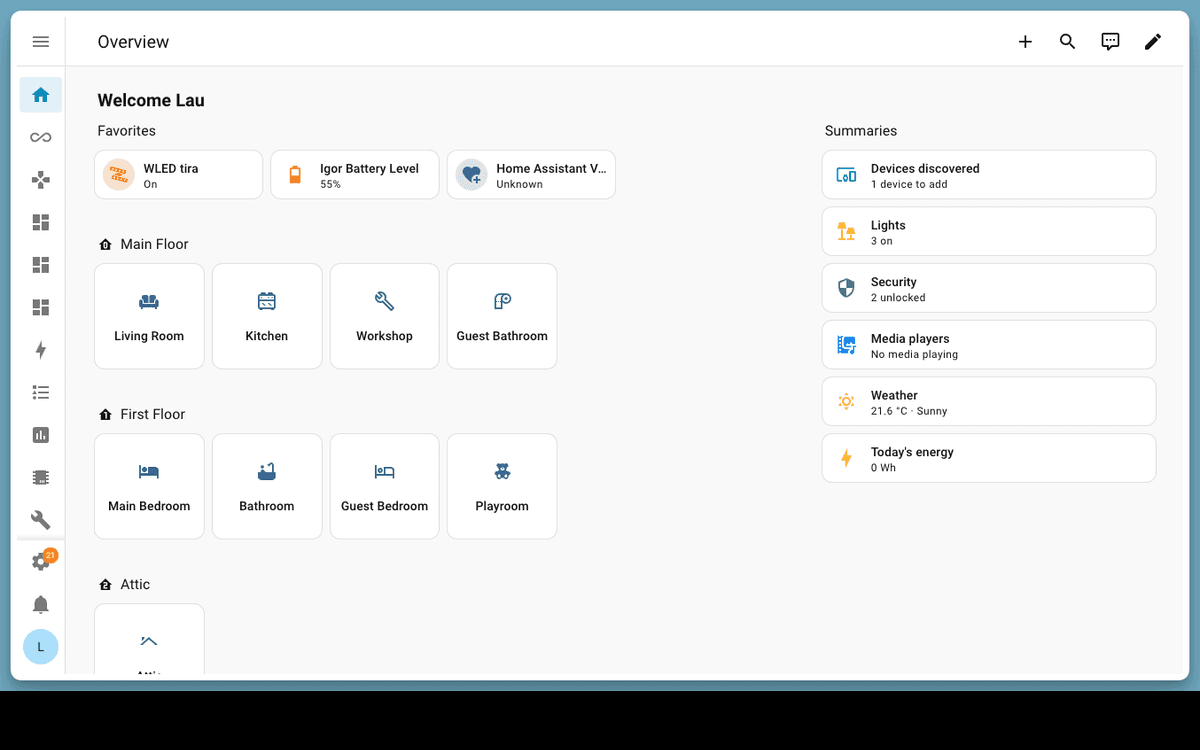
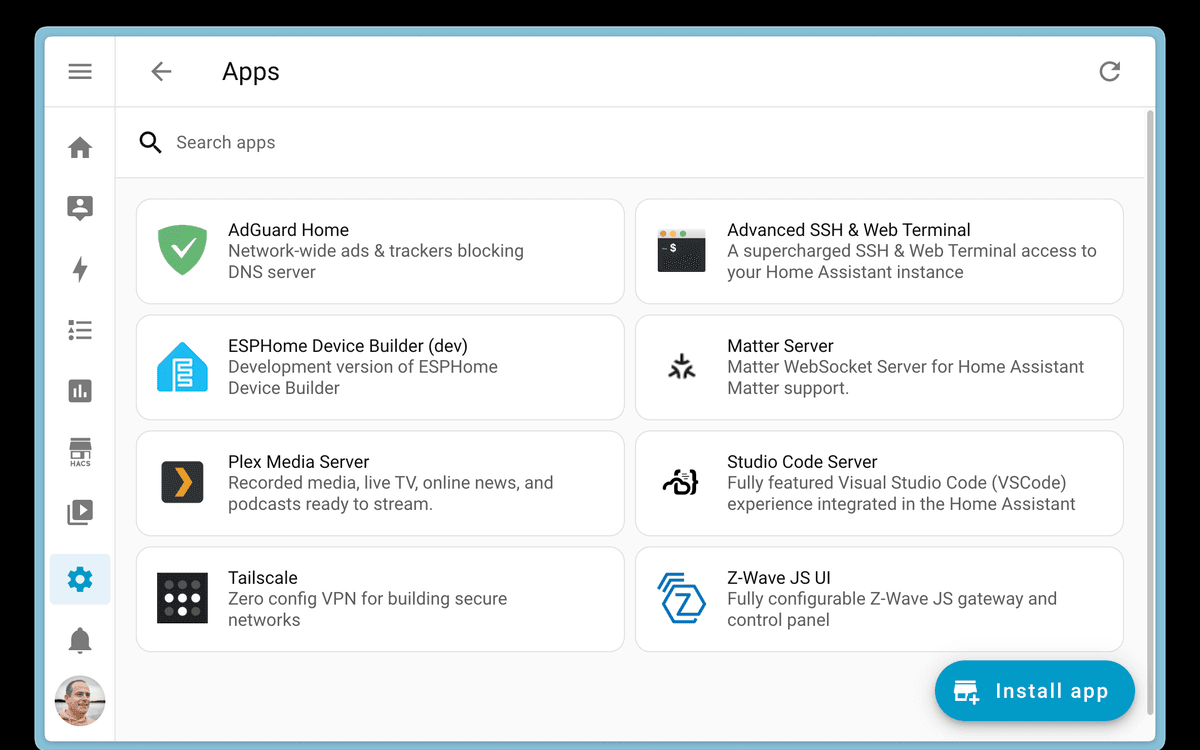
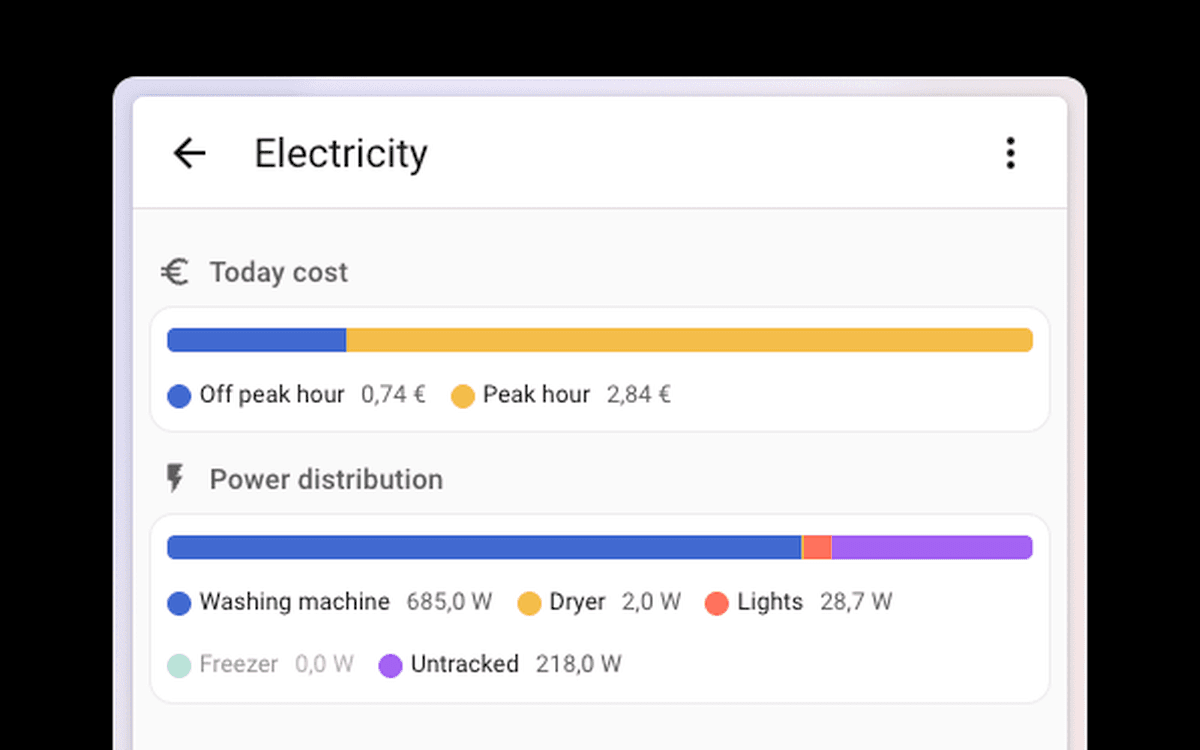
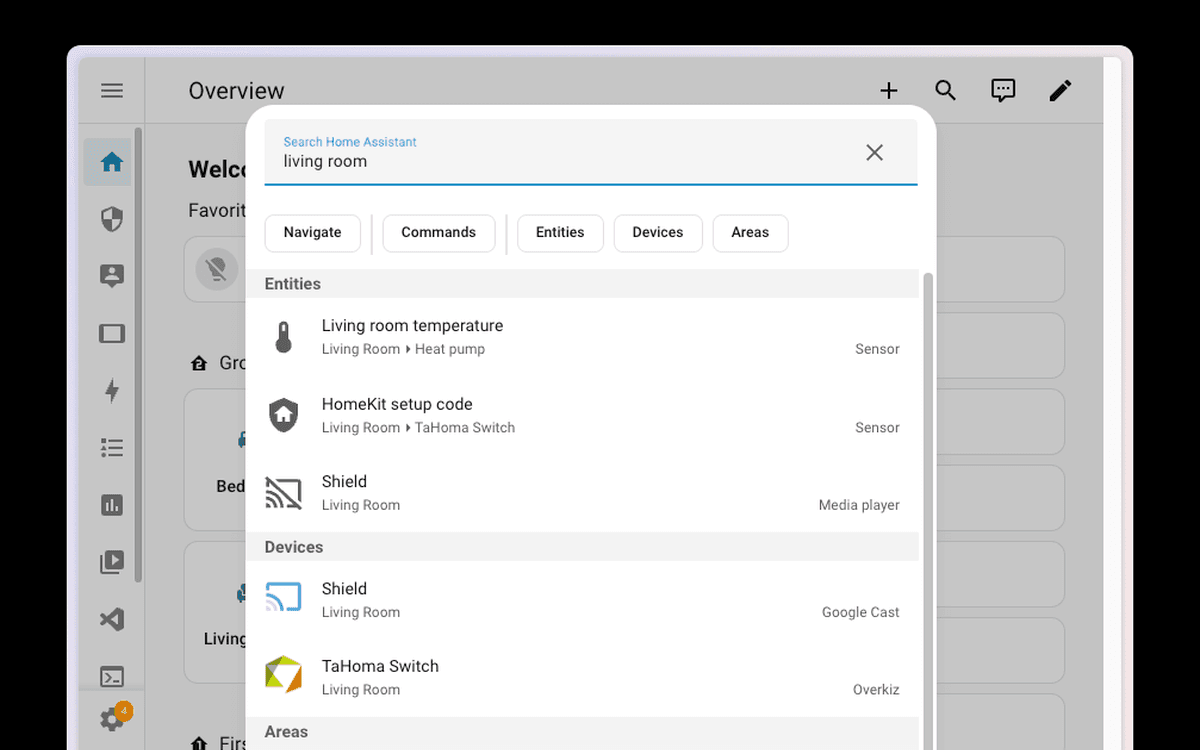
Why remote access to Home Assistant is so hard
Traditional solutions create more problems than they solve
VPN is complex and breaks mobile access
Setting up WireGuard or OpenVPN requires router configuration, key generation, and constant maintenance. VPN drains battery and doesn't reconnect reliably on mobile.
Port forwarding exposes your network
Opening port 8123 on your router makes your Home Assistant - and potentially your entire network - visible to the internet. A single misconfiguration can be devastating.
Nabu Casa only works with Home Assistant
If you also run Grafana, Node-RED, ESPHome, or any other service on your server, Nabu Casa can't help. You need a separate solution for each service.
From zero to remote access in 3 steps
No networking knowledge required
Install the agent
On Home Assistant OS you install the SmartHomeEntry add-on and paste the token from the dashboard. On HA Core or in Docker - one command or a container. About 2 minutes.
Get your HTTPS subdomain
Your Home Assistant receives a permanent HTTPS subdomain of its own (e.g., smith-7b2e4d1a9f03.smarthomeentry.com) with automatic SSL.
Access from anywhere
Open your subdomain in any browser - phone, tablet, or laptop. Your Home Assistant is always just one click away.
Built for Home Assistant users
Everything you need for secure remote access
Works with all HA setups
Home Assistant OS, Docker, Core, Supervised - SmartHomeEntry works with every installation method.
Your own HTTPS subdomain
Get a permanent address of your own like yourname-3a1f9c8b2e4d.smarthomeentry.com with automatic SSL certificate - no domain to buy, no DNS to configure.
Full dashboard with integrations
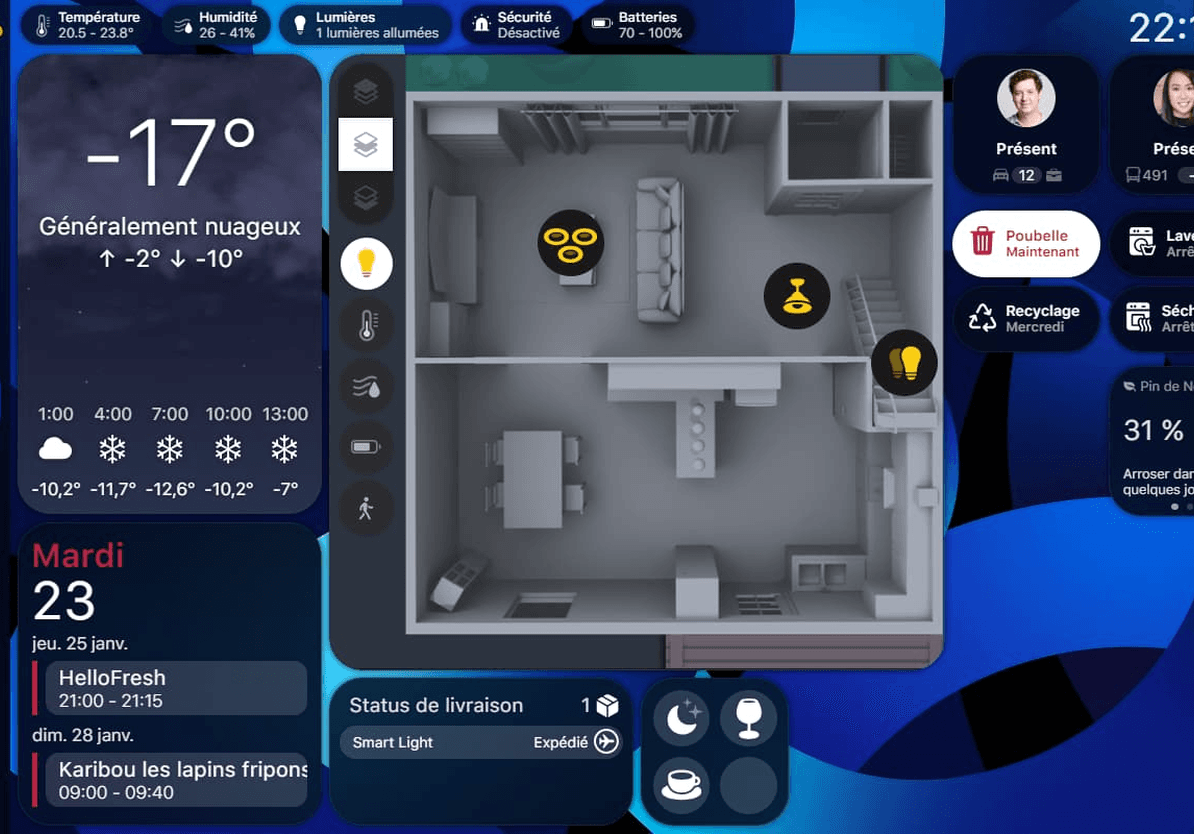
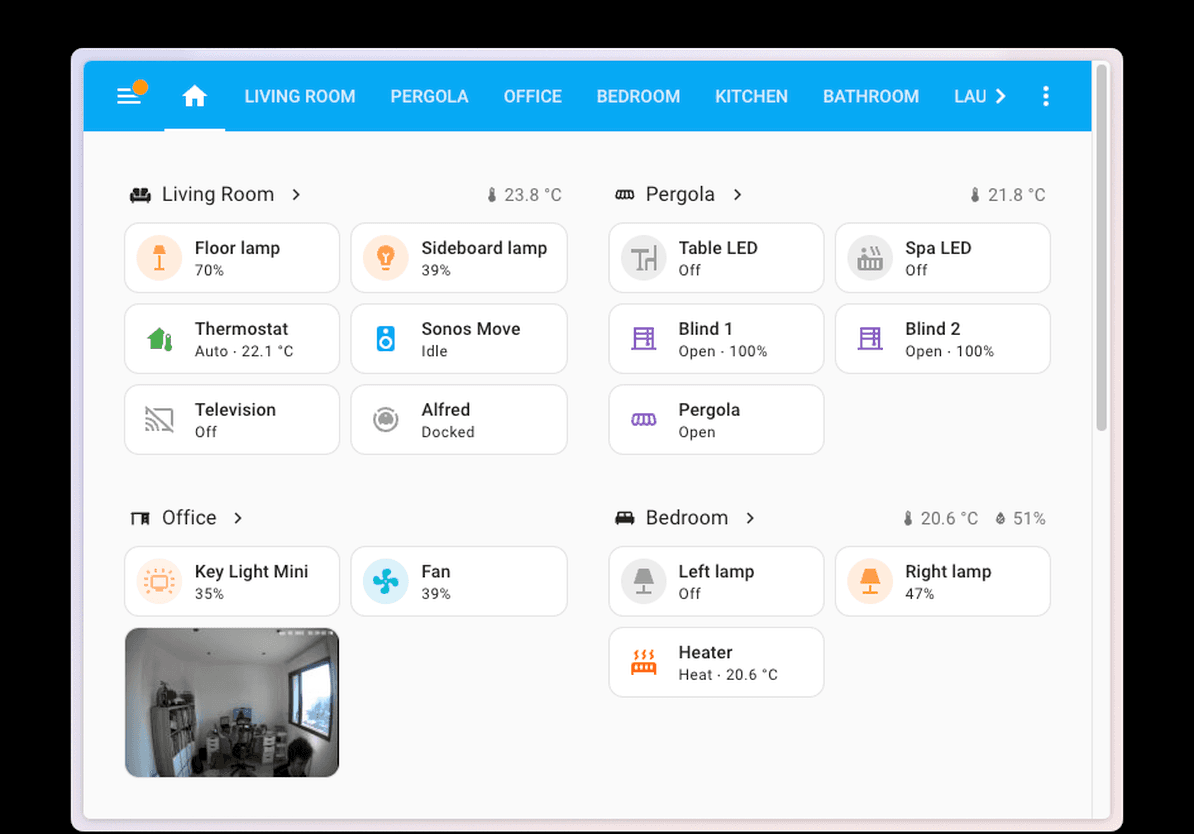
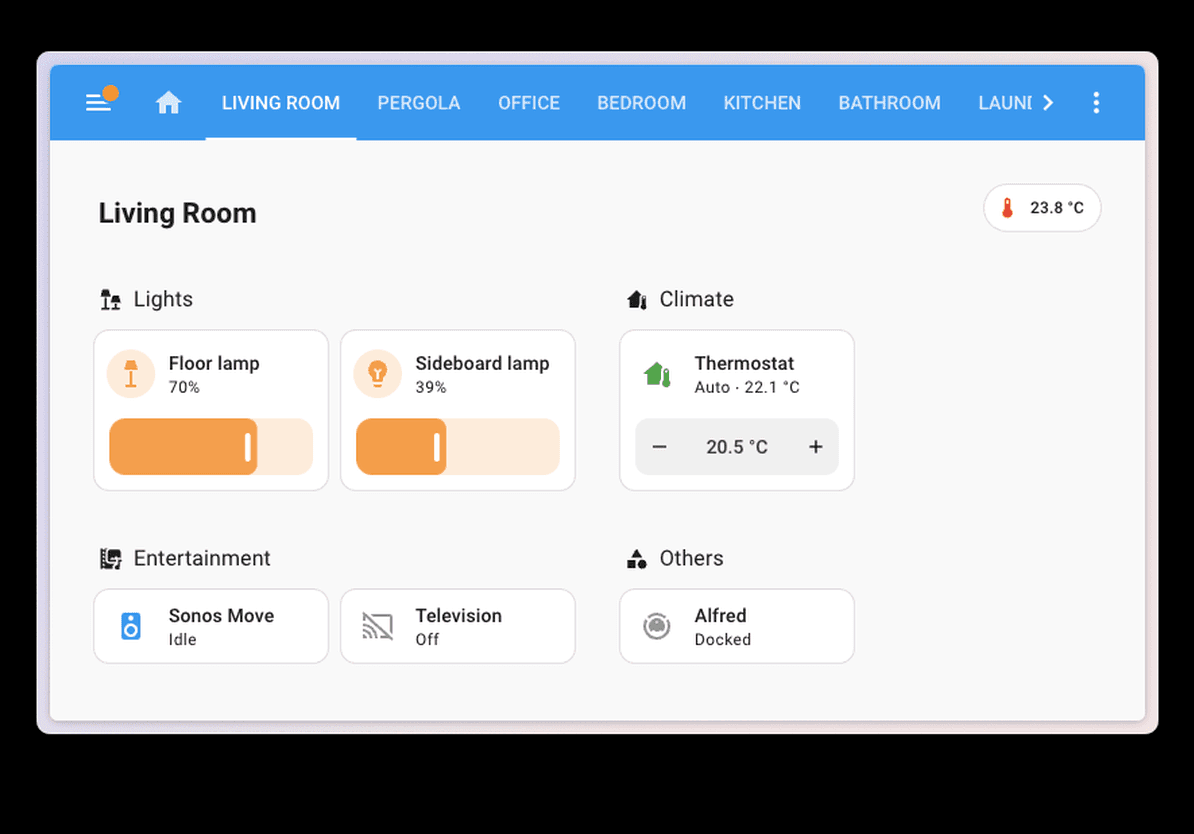
Automations, history, graphs, Node-RED, ESPHome - the entire Home Assistant ecosystem accessible through your browser.
No static IP or DDNS required
Works behind CGNAT, dynamic IPs, and restrictive ISPs. The agent makes only outbound connections.
Health monitoring & alerts
You know when Home Assistant stops responding: an email alert after 15 minutes of silence on every plan, shorter thresholds and webhooks from the Pro plan.
SmartHomeEntry vs. alternatives
See how we compare to traditional remote access solutions
| SmartHomeEntry | VPN | Nabu Casa | |
|---|---|---|---|
| Setup time | ~2 min | 1-4h | ~5 min |
| No router config | ✓ | ✗ | ✓ |
| Your own HTTPS subdomain | ✓ | ✗ | ✗ |
| One-command install | ✓ | ✗ | ✓ |
| Works without static IP | ✓ | ✗ | ✓ |
* Nabu Casa works only with Home Assistant
Home Assistant remote access - frequently asked questions
Install the SmartHomeEntry agent: on Home Assistant OS as an add-on with a token from the dashboard, on Core and Supervised with one command, in Docker as a container. The agent opens a reverse SSH tunnel to our relay and gets a permanent HTTPS subdomain (e.g. yourhome-3a1f9c8b2e4d.smarthomeentry.com). No router configuration, no VPN. Instructions: smarthomeentry.com/en/install.
Yes, with two differences: (1) Nabu Casa (Home Assistant Cloud) works only with Home Assistant, while SmartHomeEntry also handles Domoticz, openHAB, Node-RED, Grafana, Nextcloud, Jellyfin and any HTTP/HTTPS service - each service is a separate address (Home plan: 1, Pro: up to 5). (2) Your address is based on a name (yourhome-3a1f9c8b2e4d.smarthomeentry.com) instead of a random xxxxxxxx.ui.nabu.casa. Subscription: $7/mo for 1 service (Nabu Casa: about $6.50/mo); for a short trip there is also one-time access at $5 for 7 days. We have no Alexa or Google Assistant integration - Nabu Casa does.
Once the agent is installed, enter your subdomain (e.g. yourhome-3a1f9c8b2e4d.smarthomeentry.com) in the Home Assistant mobile app - just like your local address. The app uses standard HTTPS, no VPN, no battery drain. Push notifications, camera streaming and all integrations work normally, including when switching between WiFi and mobile data.
Yes - this is one of the main SmartHomeEntry use cases. The agent only makes outbound SSH connections to our relay, so it needs no public IP, no port forwarding, no static address. It works behind CG-NAT on mobile operators, cable ISPs, and restrictive networks where traditional VPN or port forwarding fail.
We don't recommend it. Opening port 8123 or 443 puts HA directly on the internet - automated scanners find it within minutes, and every new vulnerability in HA or an add-on opens a path into your network. With SmartHomeEntry the router stays closed and traffic only arrives through our relay over HTTPS. The HA login page at your address is still public, so use a strong password and turn on 2FA in your user profile.
Technically yes - there is no conflict in HA. In practice you usually pick one: if you need Google Assistant or Alexa through the cloud, Nabu Casa has it built in. If you only want remote access to the UI and the same server also runs Node-RED, Grafana, Nextcloud or a NAS - SmartHomeEntry covers them all (each service is a separate address, several services means the Pro plan).

Get remote access to Home Assistant with one command
Get started now. No router configuration needed. No VPN required.
Related articles
In-depth guides and case studies for this integration

How to Manage Multiple Home Assistant Installations Remotely
You look after Home Assistant for several clients or properties. Here is what actually works for reaching all of them, what each approach costs in time, and where every option breaks down.
Read more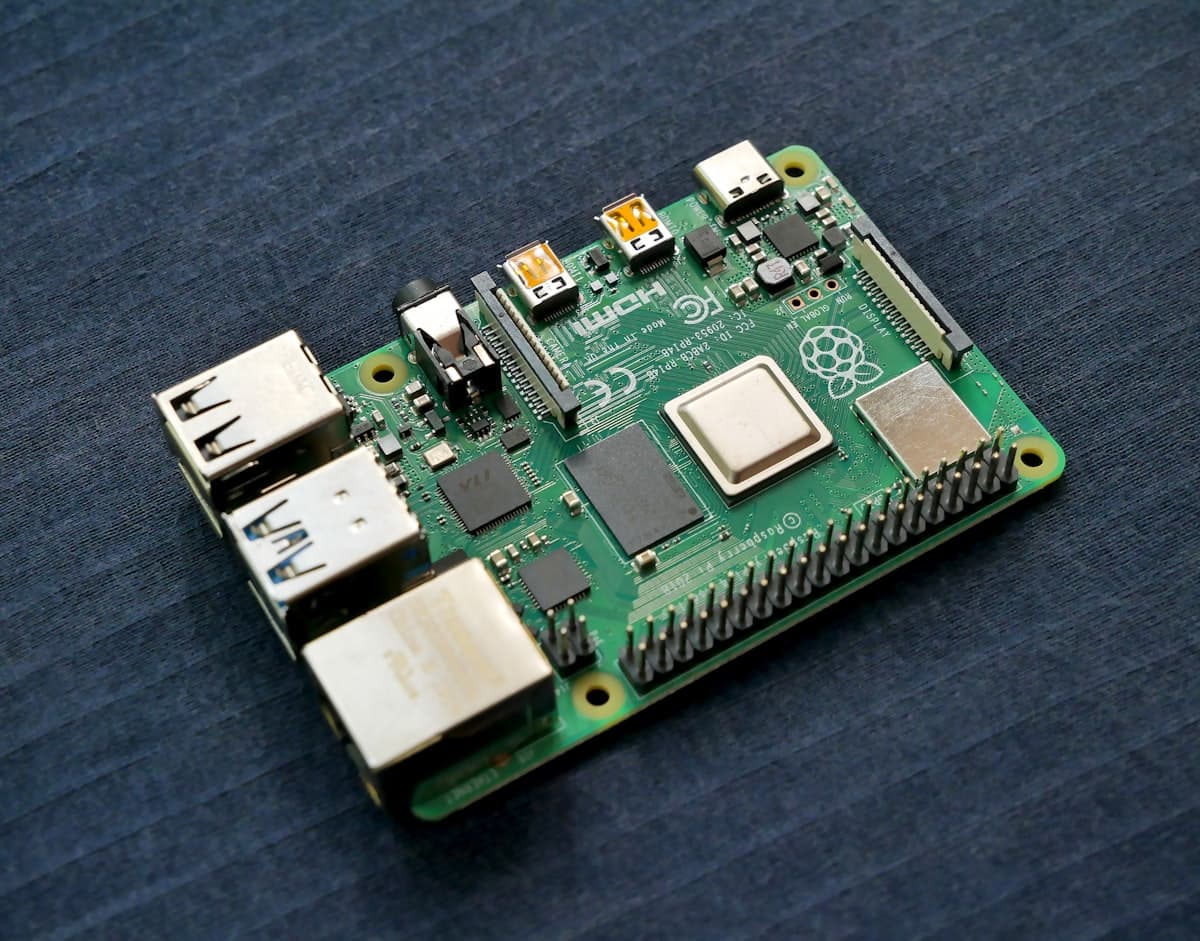
Home Assistant Green vs Raspberry Pi: Why 199 Dollars Is Not the Comparison
Green costs 199 USD and people call it expensive. Price out an equivalent Pi 5 build and the gap mostly disappears - but two other differences do not, and neither is the CPU.
Read more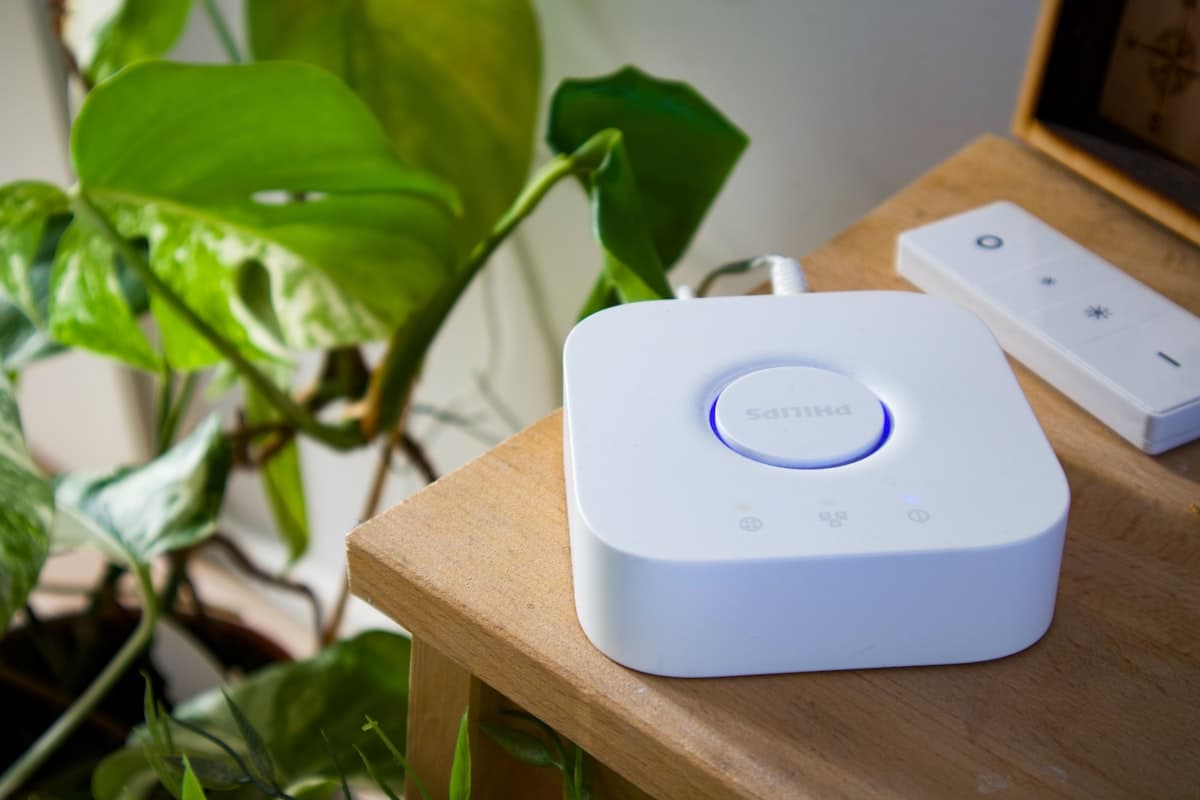
Home Assistant Remote Access 2026: What the Tutorials Don't Tell You
7 ways to reach Home Assistant from outside - and the real pitfalls (CGNAT, security, family without a VPN, dying SD cards). Works behind every ISP, even 5G and mobile LTE.
Read more