

Synology / QNAP Accessible from Anywhere - Without VPN
Secure remote access to your NAS panel via SSH tunnel. Files, photos, apps - always within reach.
- Secure HTTPS tunnel
- Zero router configuration
- Access files from anywhere
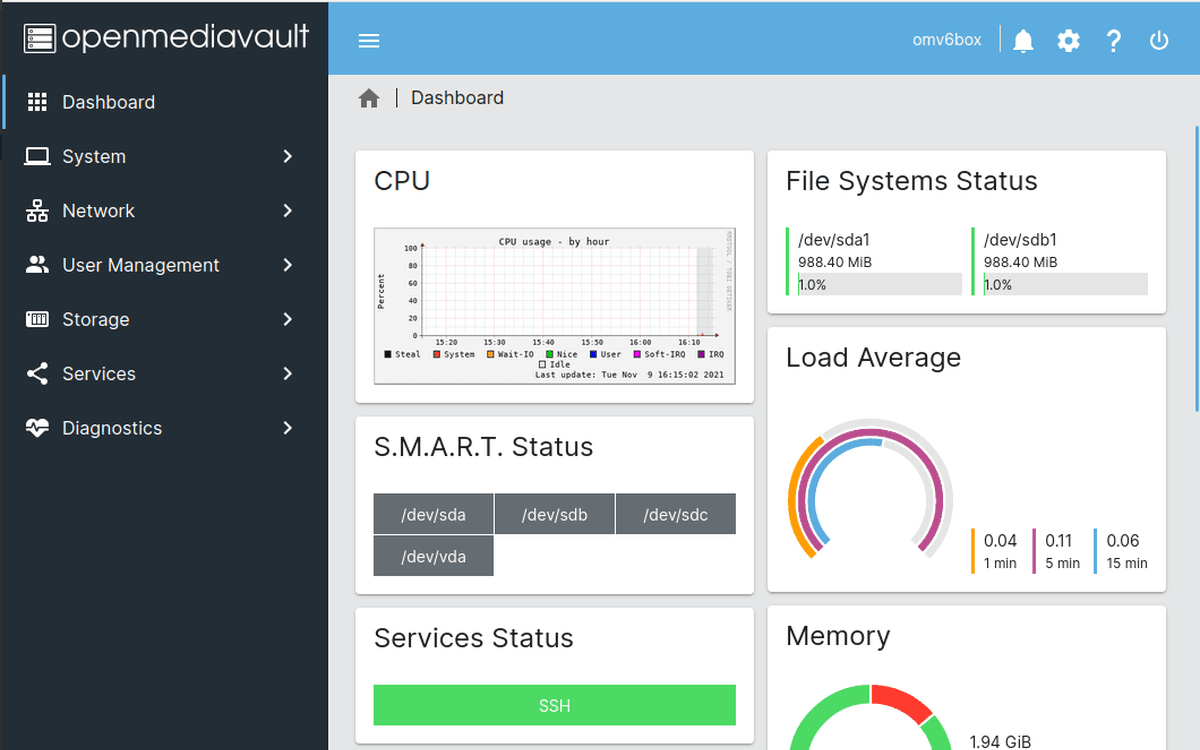
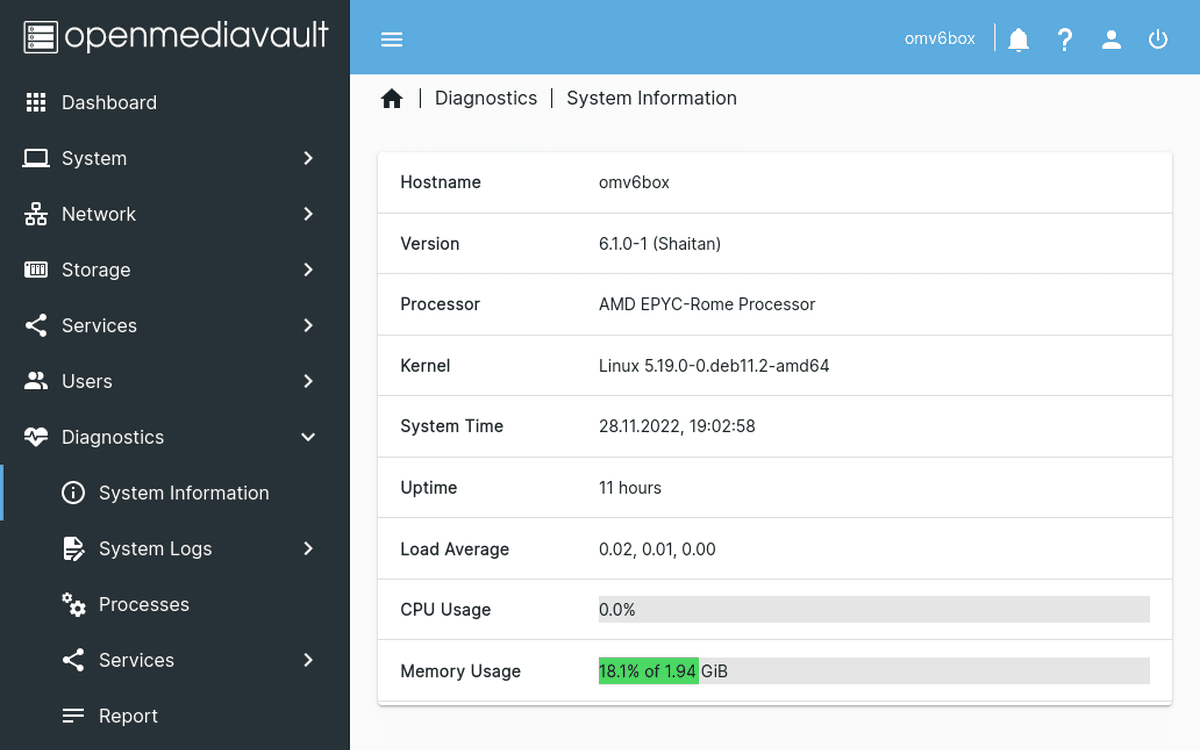
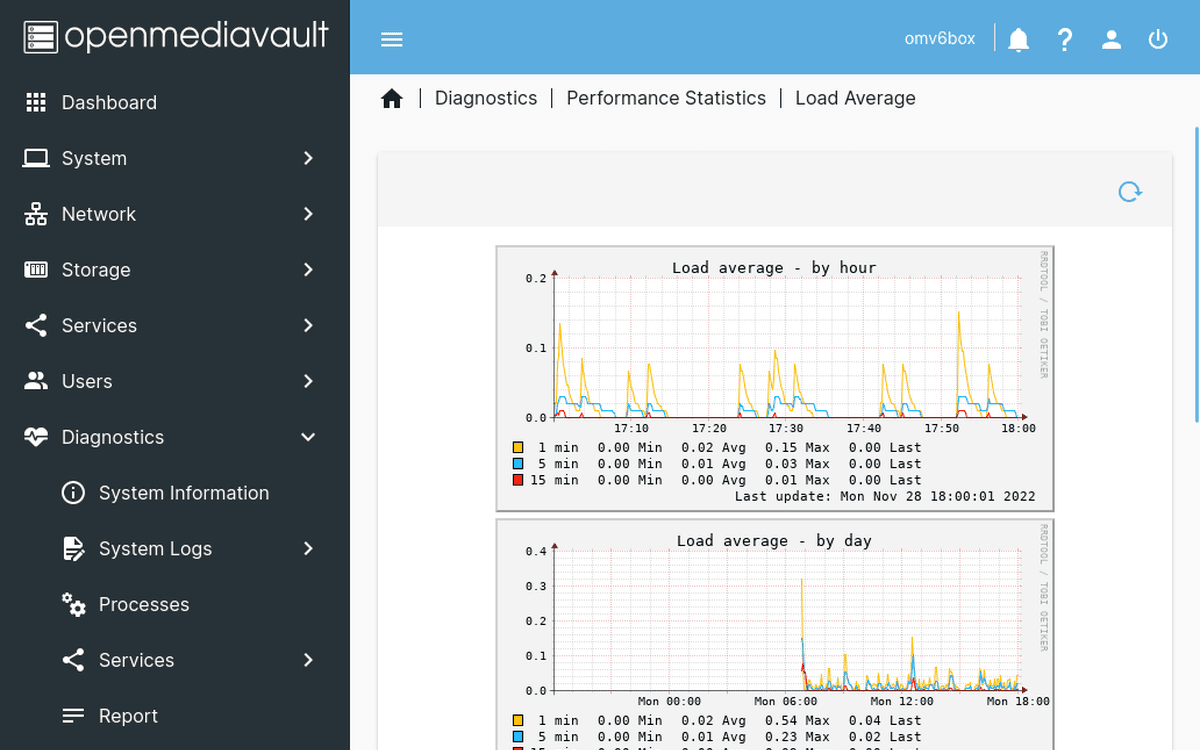
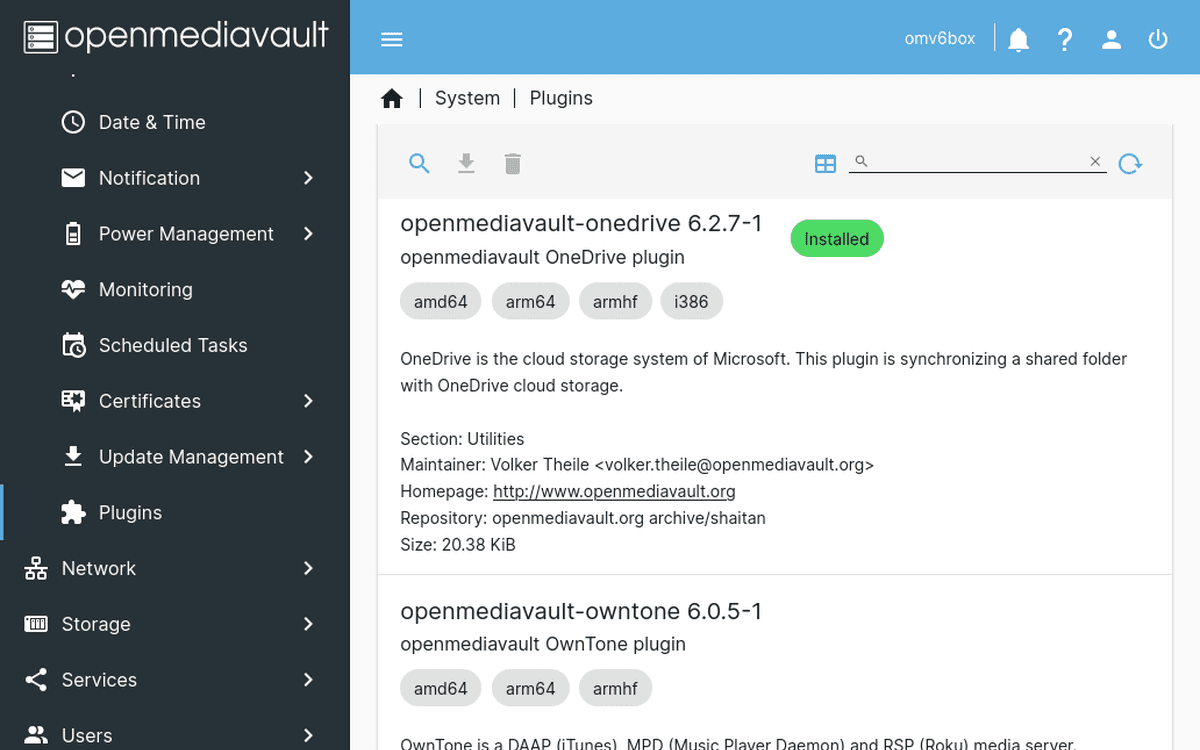
Why remote access to NAS is so hard
Home NAS means privacy - but external access is a challenge
QuickConnect / myQNAPcloud is slow
Built-in vendor solutions route traffic through their servers, causing slow transfers and dependency on their infrastructure.
VPN complicates mobile access
WireGuard on router requires configuration, static IP, and doesn't work behind CGNAT. VPN on phone drains battery.
DDNS doesn't work with CGNAT
More and more ISPs use CGNAT. DDNS becomes useless because you don't have a public IP.
From zero to remote access in 3 steps
Works with Docker on Synology and QNAP
Install agent via Docker
Run the SmartHomeEntry container on your NAS. One docker run command with your token from the dashboard.
Get your HTTPS subdomain
Your NAS gets a permanent subdomain (e.g., smith-3a1f9c8b2e4d.smarthomeentry.com) with automatic SSL certificate.
Access from anywhere
DSM, QTS, File Station, Photo Station - everything accessible via browser with HTTPS.
Perfect for NAS users
Secure file access without compromise
Works with Synology & QNAP
Agent runs as a Docker container on DSM 7+ and QTS 5+. Also supports other NAS with Docker.
Your own HTTPS subdomain
A permanent address with SSL certificate. Use it in Synology/QNAP mobile apps instead of QuickConnect.
No vendor middlemen
Direct SSH tunnel instead of routing through Synology/QNAP servers. No dependency on vendor infrastructure.
No static IP or DDNS required
Works behind CGNAT, dynamic IPs, and restrictive ISPs. Zero open ports on your router.
Health monitoring & alerts
Know when your NAS goes offline. Email notifications within minutes.
SmartHomeEntry vs. alternatives
See how we compare to traditional solutions
| SmartHomeEntry | QuickConnect | Router VPN | |
|---|---|---|---|
| Setup time | ~2 min | ~5 min | 1-4h |
| No router config | ✓ | ✗ | ✗ |
| Your own HTTPS subdomain | ✓ | ✓ | ✗ |
| One-command install | ✓ | ✗ | ✗ |
| Works without static IP | ✓ | ✗ | ✗ |
* QuickConnect routes traffic through Synology servers, reducing speed
NAS (Synology / QNAP) remote access - frequently asked questions
QuickConnect and myQNAPcloud proxy traffic through the vendor's servers (Synology / QNAP), which: (1) reduces speed (especially file upload and streaming), (2) ties you to a vendor account, (3) has a history of privacy and uptime issues. SmartHomeEntry uses a direct SSH tunnel + your own HTTPS subdomain - faster, no Synology/QNAP cloud dependency, full control.
Yes. The SmartHomeEntry tunnel gives access to any HTTP/HTTPS service on your NAS - DSM, File Station, Synology Photos, Drive, Surveillance Station, Container Manager, DS video. One subdomain = access to everything DSM exposes.
Yes. In Synology apps you enter either a QuickConnect ID OR a custom address - pick custom and enter your SmartHomeEntry subdomain (e.g. yourhome-3a1f9c8b2e4d.smarthomeentry.com). All features (photo sync, video streaming, backup) work normally and faster than through QuickConnect's proxy.
The agent runs in Docker (Container Manager on Synology, Container Station on QNAP). You run the smarthomeentry/smarthomeentry-agent image with the token and service address from the dashboard - copy the ready command from the Docker tab. Instructions: smarthomeentry.com/en/install#docker.

Get remote access to your NAS with one command
Get started now. No router configuration needed.
Related articles
In-depth guides and case studies for this integration

Remote access to Nextcloud - secure file server without VPN or open ports
How do you safely expose Nextcloud from anywhere? Reverse SSH tunnel instead of port forwarding - works behind CGNAT, no router config, automatic HTTPS.
Read more
Synology NAS remote access in 2026 - a guide for those who find QuickConnect not enough
Five methods of remote access to Synology DSM, their real pitfalls (eCh0raix, ransomware, brute force, CGNAT), when QuickConnect fails. Pragmatic ranking from someone who has seen NAS boxes encrypted by DeadBolt.
Read more
How to Install Domoticz on Synology NAS - Step by Step Guide
Install Domoticz on your Synology NAS using Docker. Complete guide: from pulling the image to configuring your first home automation setup.
Read more