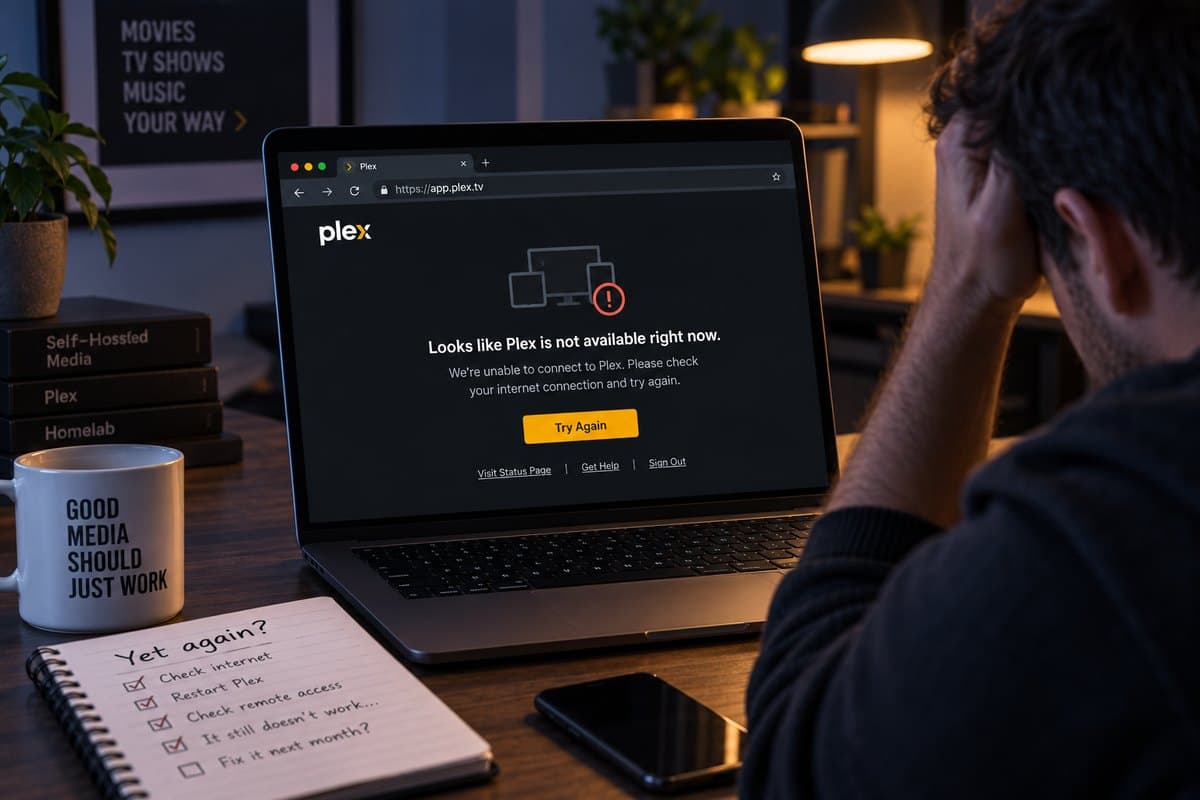
The pattern is always the same. Remote Access sits green for weeks. Then someone tries to watch something away from home and it does not connect. You open Settings, the indicator is red, you click "Retry" and it goes green again. Two weeks later, red.
If you have been through that cycle more than twice, the problem is not Plex. Plex is reporting a fact about your network, and the fact keeps changing.
What Remote Access actually depends on#
Plex Media Server listens on port 32400 inside your network. For someone outside to reach it, your router has to accept a connection on some public port and forward it to that machine. Plex normally arranges this automatically using UPnP, which is why setup feels like flipping a switch.
That arrangement has four separate ways to fall apart, and all four are outside Plex's control.
1. The router forgot#
UPnP mappings are leases, not permanent settings. They expire and get renewed. A reboot, a firmware update, or simply a router that cleans its table on a schedule will drop the mapping, and if the renewal fails you are closed again. Consumer routers are especially prone to this after automatic firmware updates, which most people never notice happening.
2. Your public address changed#
Most home connections get a dynamic IP. When the ISP hands you a new one, Plex tells plex.tv the new address on its next check-in. Between the change and the update, connections fail. If the machine was asleep or the server was stopped during the change, the address published to plex.tv is stale until it starts again.
3. Your ISP moved you behind CG-NAT#
This one is permanent, and it is why more people hit this every year.
There are about 4.3 billion IPv4 addresses and far more connected devices than that. Carriers solved it with Carrier Grade NAT: instead of giving each customer a public address, they give you a private one and share a single public address across many households.
Everything outbound works normally - browsing, streaming, email. But nothing from outside can reach you. Port 32400 on your router does not exist as far as the internet is concerned, and no configuration changes that.
How to check in thirty seconds: open your router's status page and find the WAN or Internet address. Then visit any "what is my IP" site from the same network. If the two differ, you are behind CG-NAT. A WAN address starting 100.64 through 100.127 is the reserved CG-NAT range and confirms it outright.
CG-NAT is standard on every mobile connection, near universal on 5G home internet, and increasingly common on fibre. ISPs migrate customers onto it without notice, because it saves them money. A setup that worked for two years can stop working overnight for this reason alone.
4. Double NAT#
If your ISP gave you a modem-router and you plugged your own router into it, you have two devices doing NAT. Forwarding a port on the inner one achieves nothing, because the outer one never sends traffic to it. Plex sees the same symptom as CG-NAT.
The 2 Mbps trap nobody mentions#
Here is the part that turns a connection problem into a quality problem.
When a direct connection cannot be established, Plex does not simply fail. It falls back to Plex Relay, which routes your stream through Plex's own servers. This is why remote playback sometimes works even though Remote Access shows red.
But Relay is capped at 2 Mbps per stream, and that cap applies to Plex Pass subscribers too. Two megabits is roughly 480p. A 1080p film needs somewhere between 8 and 10.
So the symptom people actually report is not "it does not work". It is:
- the library loads, but everything buffers
- quality collapses to something that looks like a decade-old rip
- a second person starts watching and both streams fall apart
That is not your upload speed and not your server. That is Relay doing exactly what it was designed to do, quietly, because direct connection failed.
Working out which one you have#
Do this in order. Each step rules out everything above it, and takes about a minute.
Is it CG-NAT? Compare your router's WAN address with what a "what is my IP" site reports. Different means CG-NAT, and you can stop here - port forwarding is not an option and never will be. Skip to the next section.
Is it the router forgetting? In Plex, note whether Remote Access recovers when you click "Retry" and then breaks again days later. That cycle is a UPnP lease that keeps failing to renew. Setting a manual port forward instead of relying on UPnP fixes it permanently, provided you have a public IP.
Is it a stale address? If your connection has a dynamic IP and your server sleeps, the address published to plex.tv goes out of date. Disable sleep on the server machine, or use a dynamic DNS name in Custom server access URLs.
Is it double NAT? Two routers in series. Put the ISP device into bridge mode, or forward the port on both.
Options that stop the cycle#
Manual port forwarding#
Fixes: the router forgetting. Requires: a public IP address, so useless behind CG-NAT. Cost: free.
Worth doing if you have a public address and just want the UPnP flakiness gone. Forward an external port to 32400 on your server's local address, and give that machine a static local IP so the rule keeps pointing at it.
The trade-off is that your Plex login is now exposed to the whole internet. That is a real consideration, not a formality - it is a service with your media library behind it, reachable by anyone who finds the port.
A mesh VPN, such as Tailscale#
Fixes: everything, including CG-NAT. Requires: installing and signing in to a client app on every device that watches. Cost: free for personal use.
Excellent when you are the only viewer. It falls apart socially: your parents' smart TV cannot run a Tailscale client, and neither can most streaming sticks. Anyone you share with has to become a Tailscale user.
A reverse tunnel#
Fixes: everything, including CG-NAT. Requires: an agent on the server machine, nothing on viewers' devices. Cost: paid.
The server opens an outbound connection to a relay, and the relay serves your Plex on a normal HTTPS address. Nothing is forwarded, nothing listens publicly on your router, and CG-NAT stops mattering because the connection was made from inside.
Plex supports this arrangement officially. Under Settings → Network → Custom server access URLs you add the HTTPS address, and Plex publishes it to plex.tv for app discovery. Plex's own documentation names reverse proxies as one of the intended uses of that field.
One honest caveat, because we have been burned by exactly this class of problem before: the Plex web app and browser access work reliably this way, but a few native apps are pickier. Reports of specific TV and console apps refusing a custom URL show up on the Plex forums. Test the devices you actually watch on before committing to a plan.
SmartHomeEntry is a service built on this model. Because the address is a normal HTTPS one and no port is open, the same tunnel approach also covers anything else with a web interface on that machine - though each service needs its own tunnel and subdomain.
What to do, briefly#
Behind CG-NAT? Stop troubleshooting Plex. No amount of router configuration will help. Choose a mesh VPN or a reverse tunnel.
Public IP, Remote Access keeps dropping? Replace UPnP with a manual port forward and give your server a static local address.
Remote works but everything buffers? You are on Relay at 2 Mbps. The connection is failing and Plex is hiding it. Fix the connection and the quality returns.
Sharing with family who are not technical? Anything requiring a client app on their devices will generate support calls for you. A plain HTTPS link will not.
The reason this problem is so persistent is that Plex's default setup depends on your ISP continuing to do something it has no obligation to do. Every path above works by removing that dependency instead of arguing with it.
Our Jellyfin remote access guide covers the same ground for the open-source alternative, and the CG-NAT explainer goes deeper on why port forwarding stopped working for so many people at once.